A Brand Kit for each brand
Voice, pillars, colors, fonts, logo and banned words, read from the brand's site and completed by AI.
Alto Vale Mídia brings social media creation, publishing and analysis into one app. It knows each brand through its Brand Kit, read from the brand's site and completed by AI, writes captions, carousels, videos and articles in that voice, and fills in the post on Instagram, Facebook, TikTok, LinkedIn and YouTube for you to check.
Voice, pillars, colors, fonts, logo and banned words, read from the brand's site and completed by AI.
Carousels, posts, scripts and articles with AI, reviewed before publishing, plus templates with the brand's identity as PNG in network sizes.
Scenes, narration, captions and music, plus clips cut from long videos, put together in the app.
A 2-week plan with AI, queue and scheduling. The app opens the network, uploads the files and fills in the text; you click publish.
Instagram read without AI, comparison with competitor profiles and what is worth boosting, as a recommendation only.
Articles on WordPress and Ghost, articles turned into carousels, videos and posts, and a static brand site.
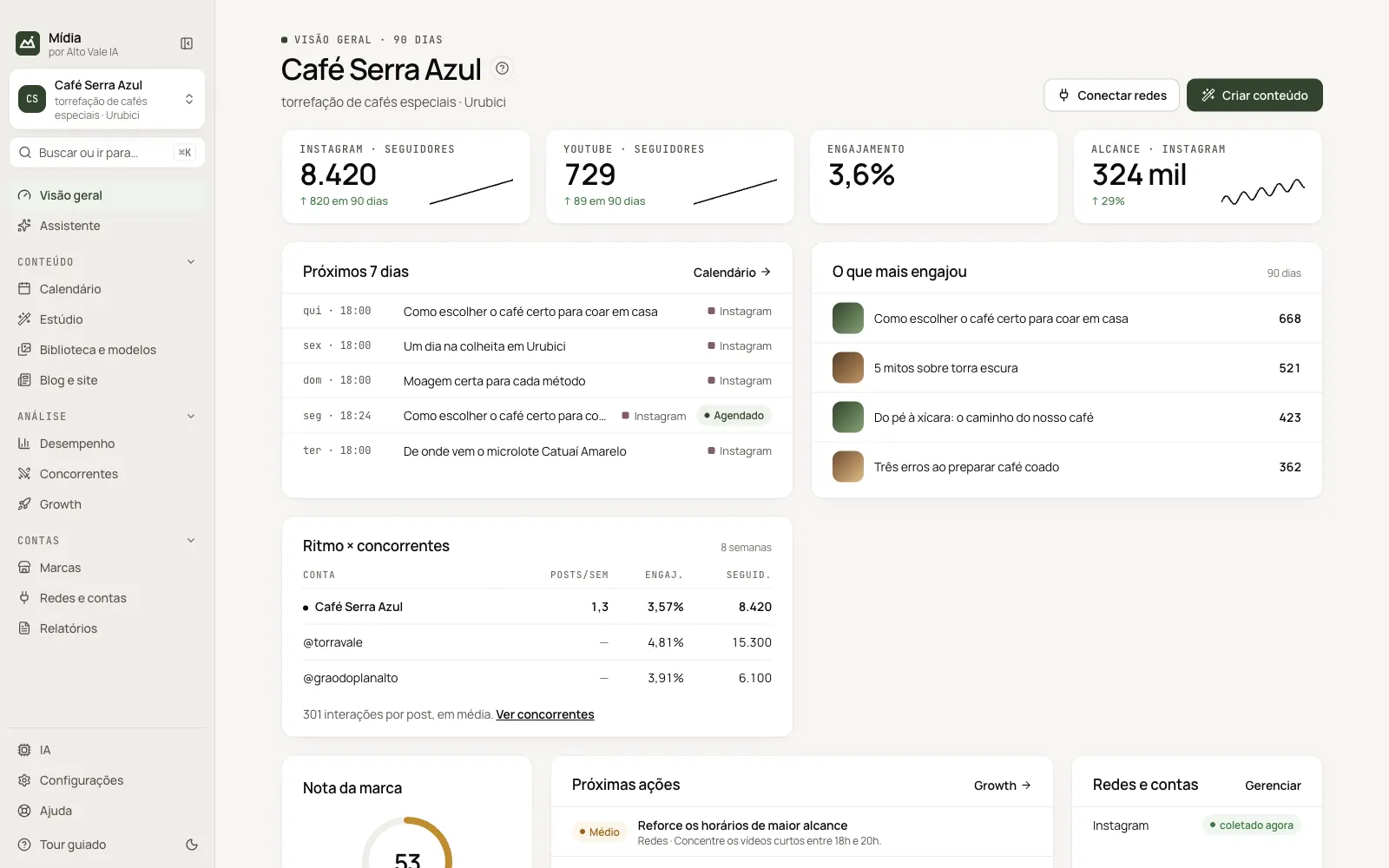
Every feature in the app, in menu order: Content, Analysis and Accounts. Each card opens the step-by-step guide.
Each feature has a step-by-step guide, the same one found in the app's Help.
Screenshots of the app with sample data.
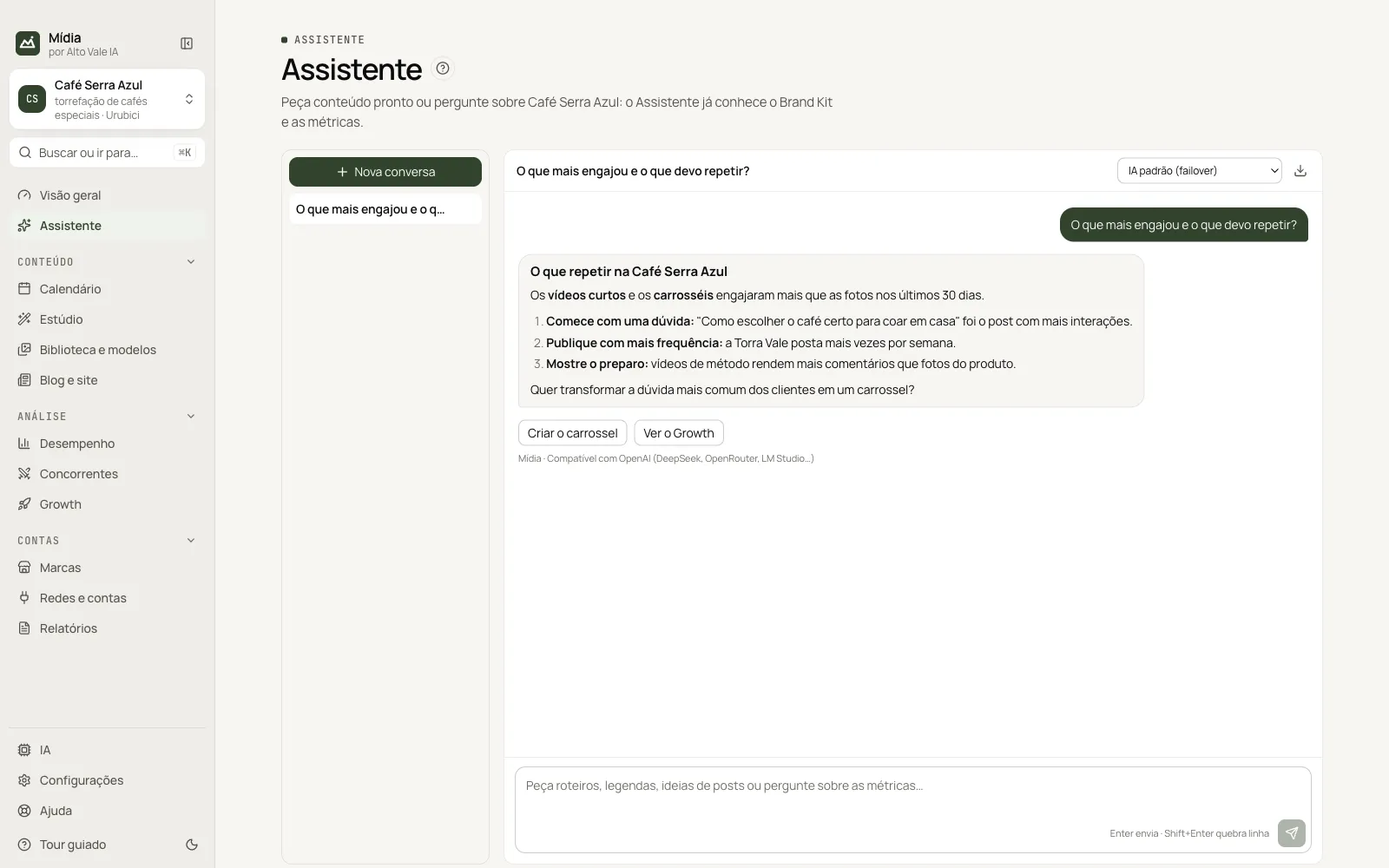
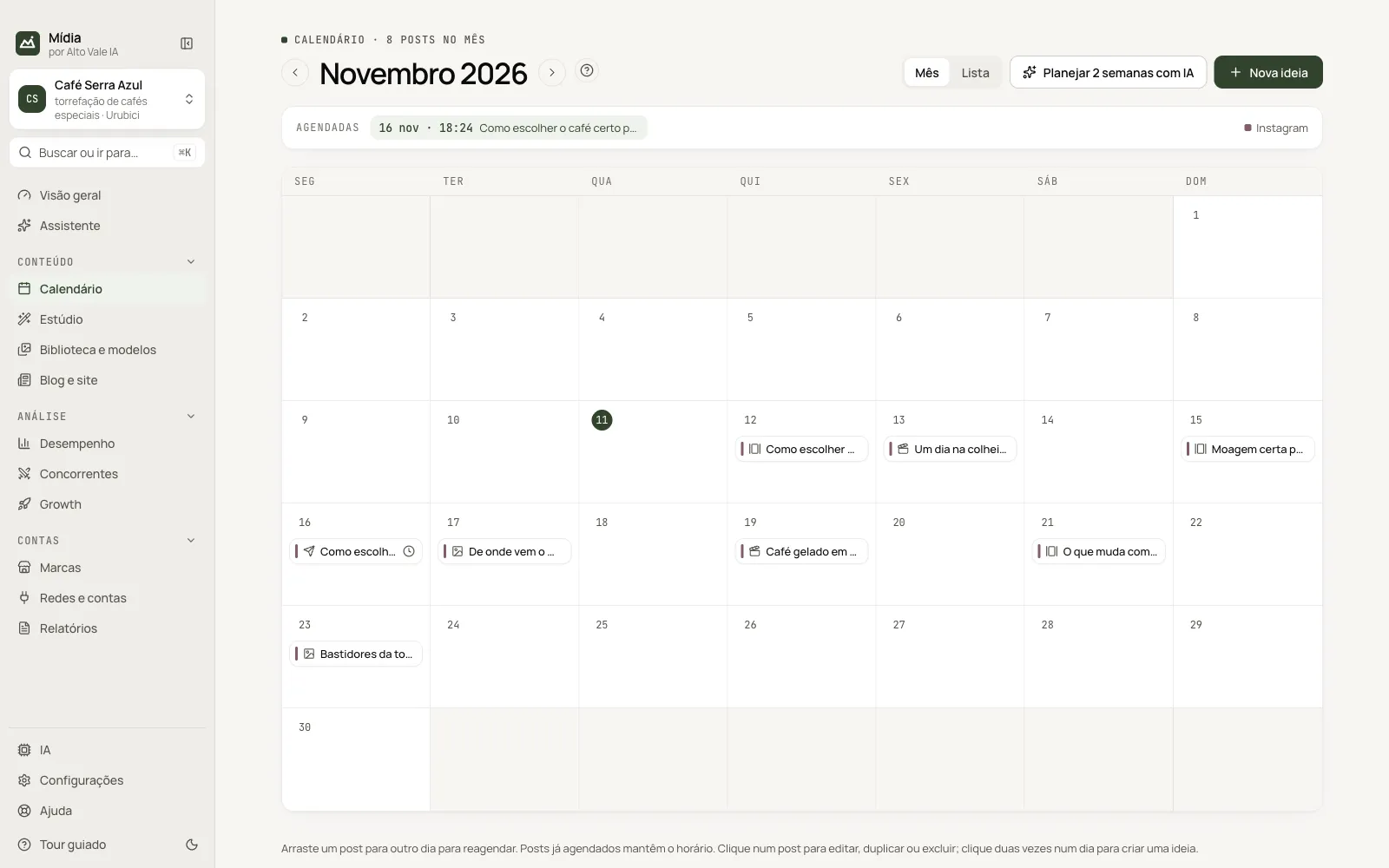
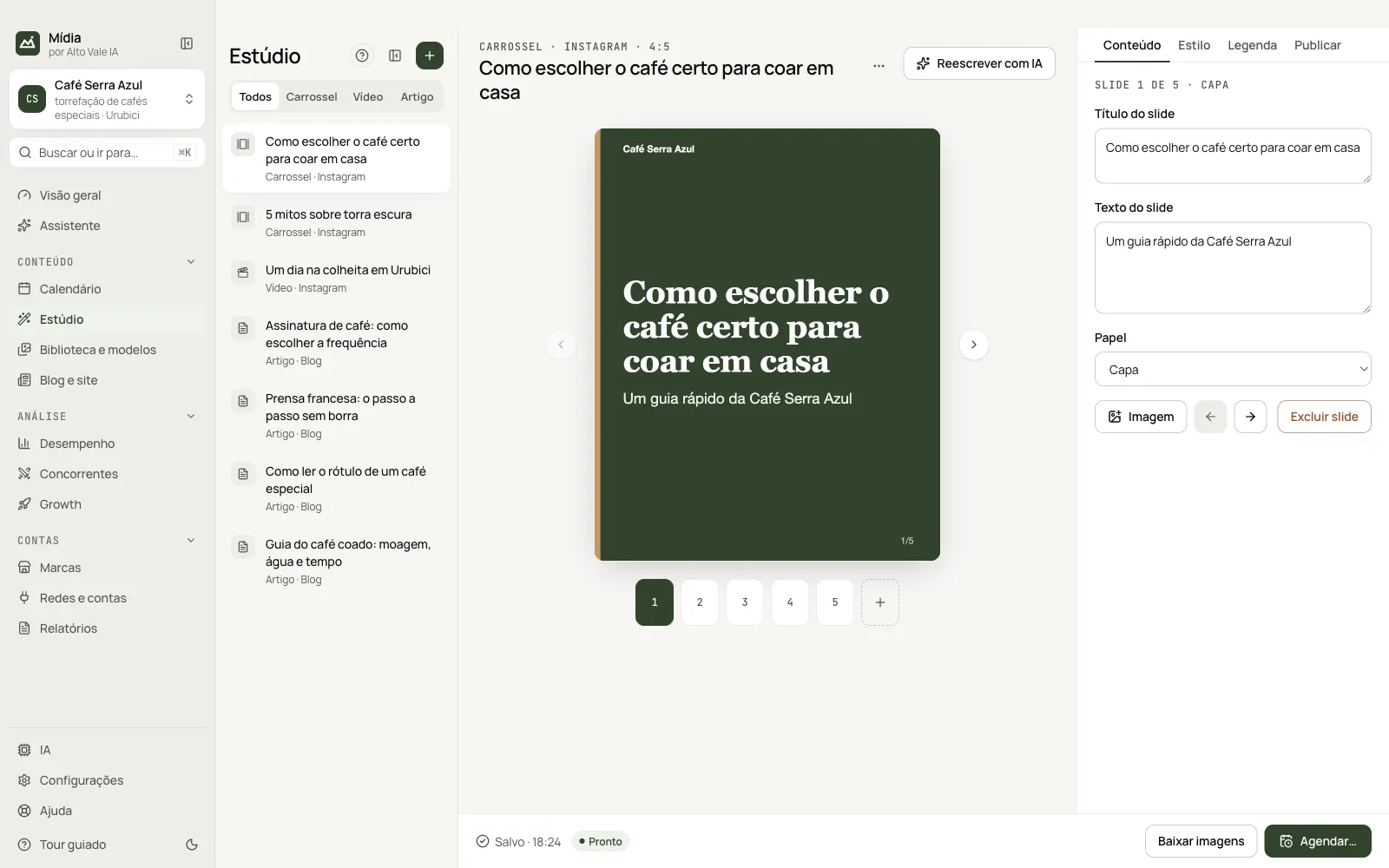
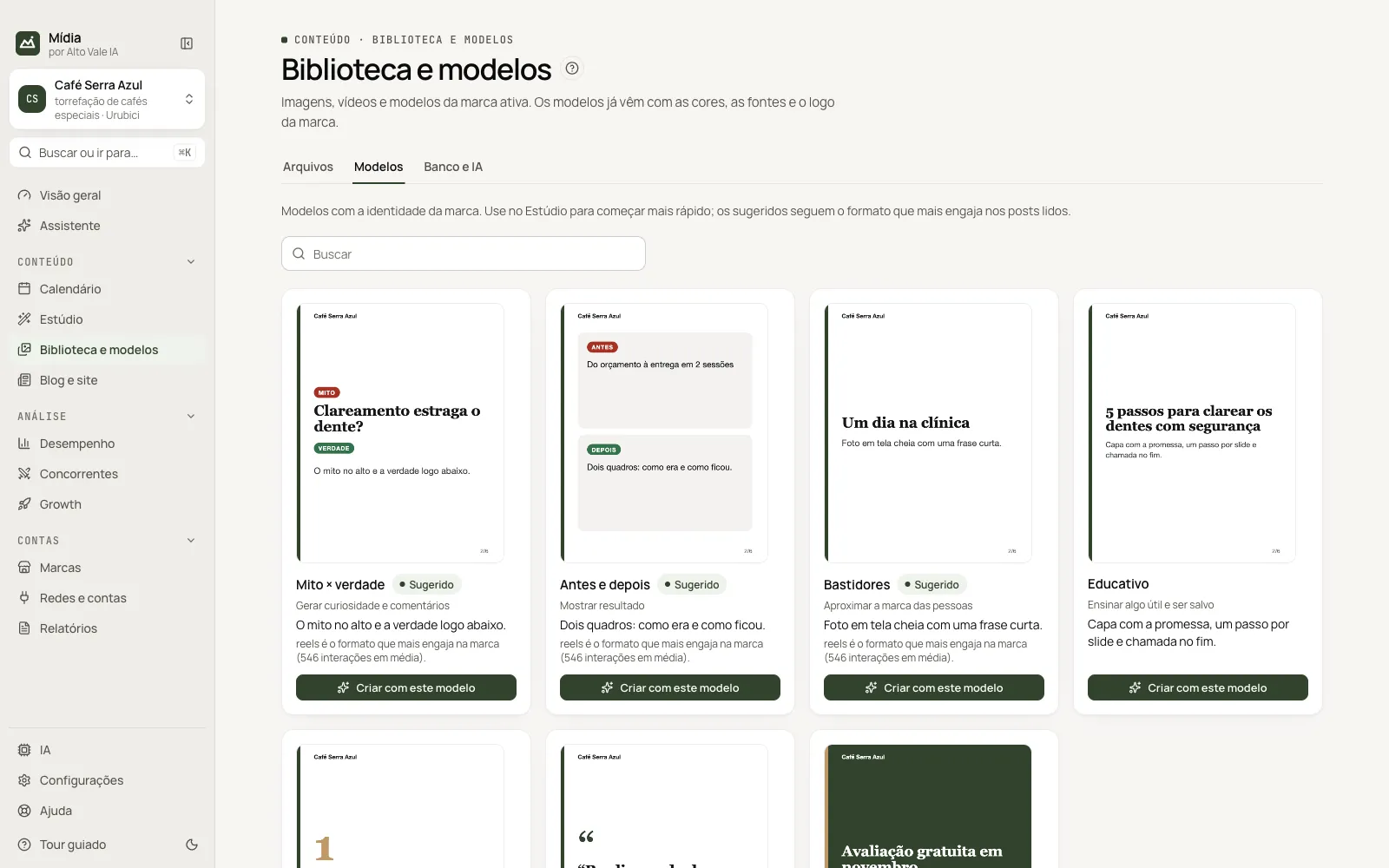
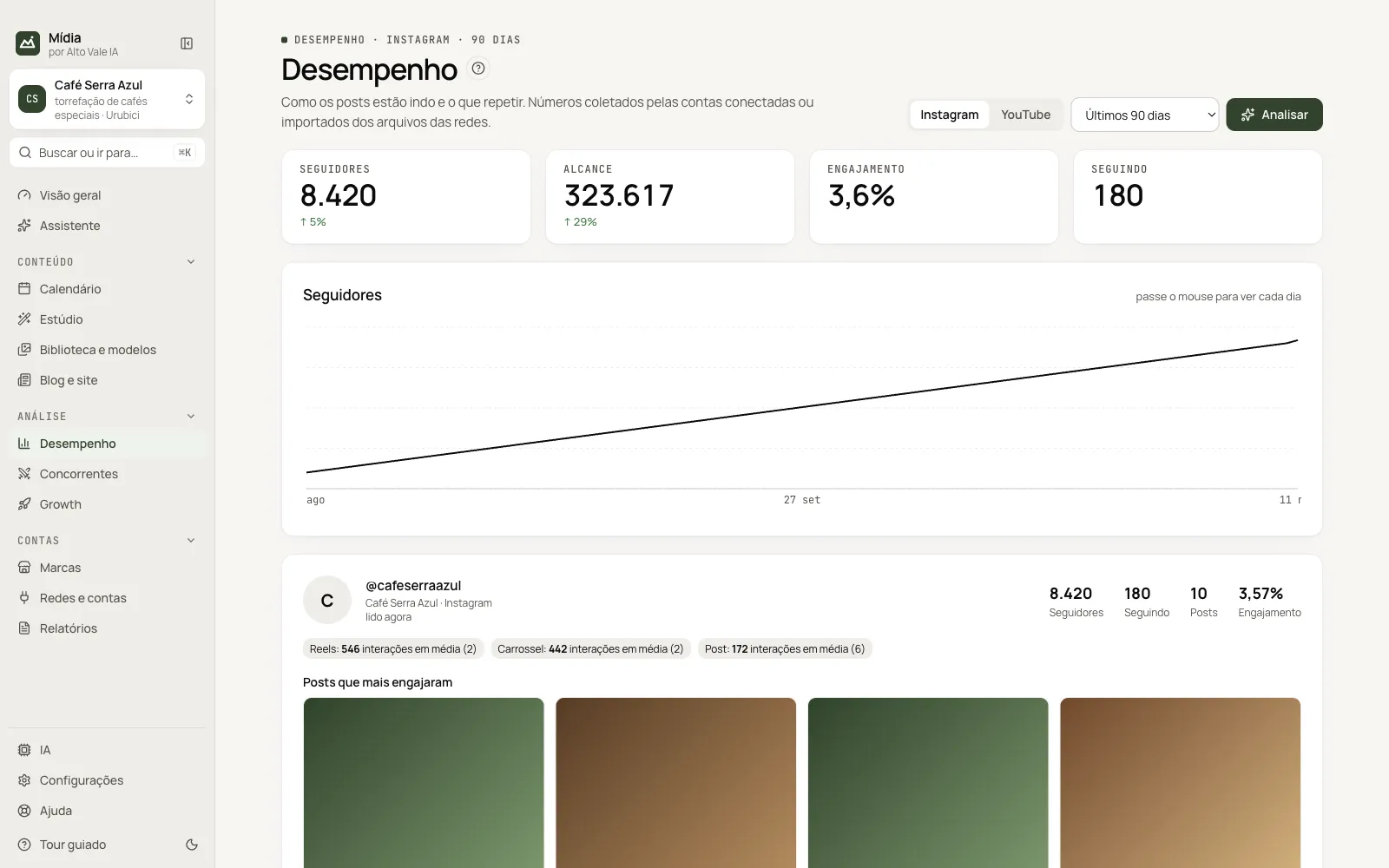
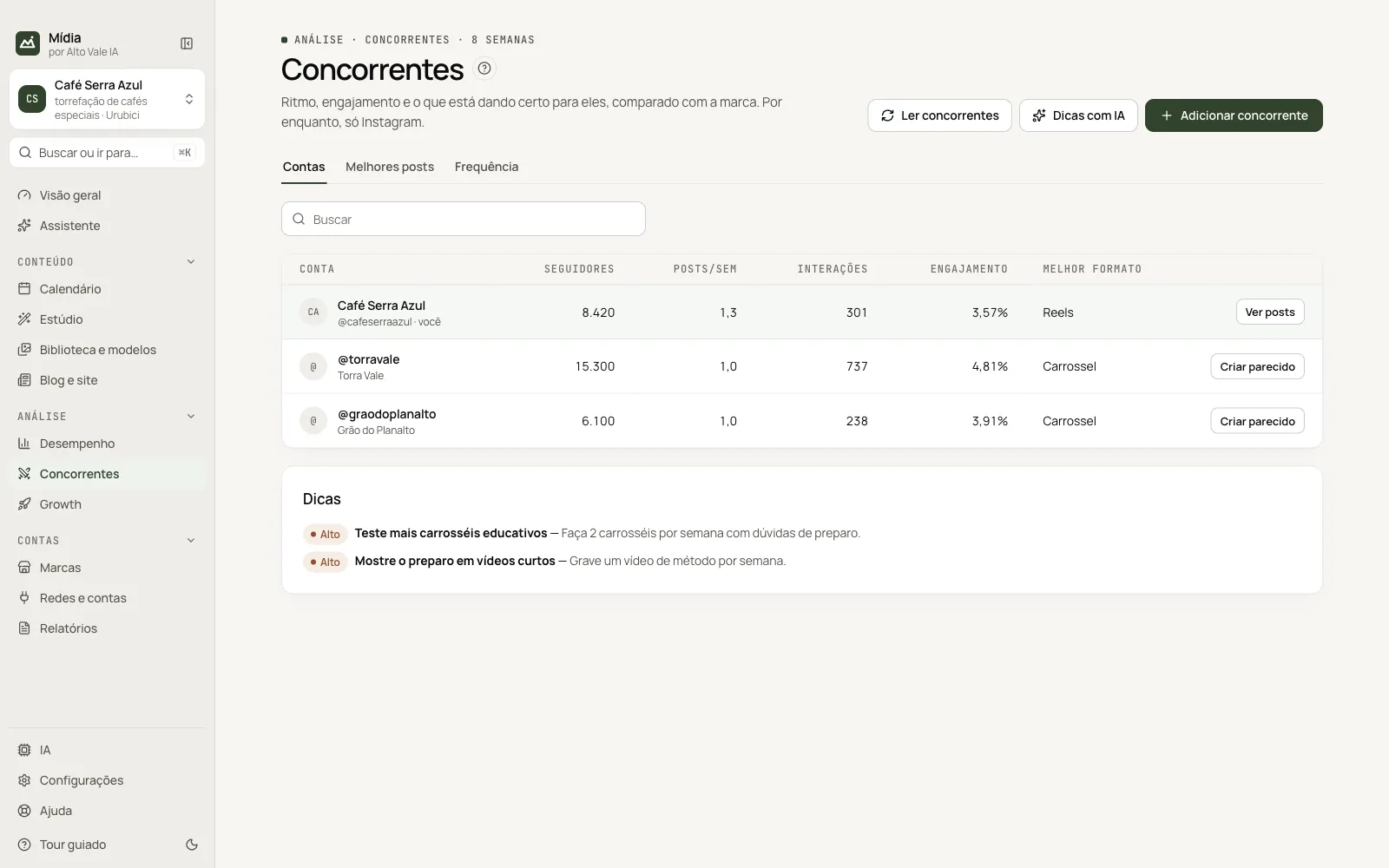
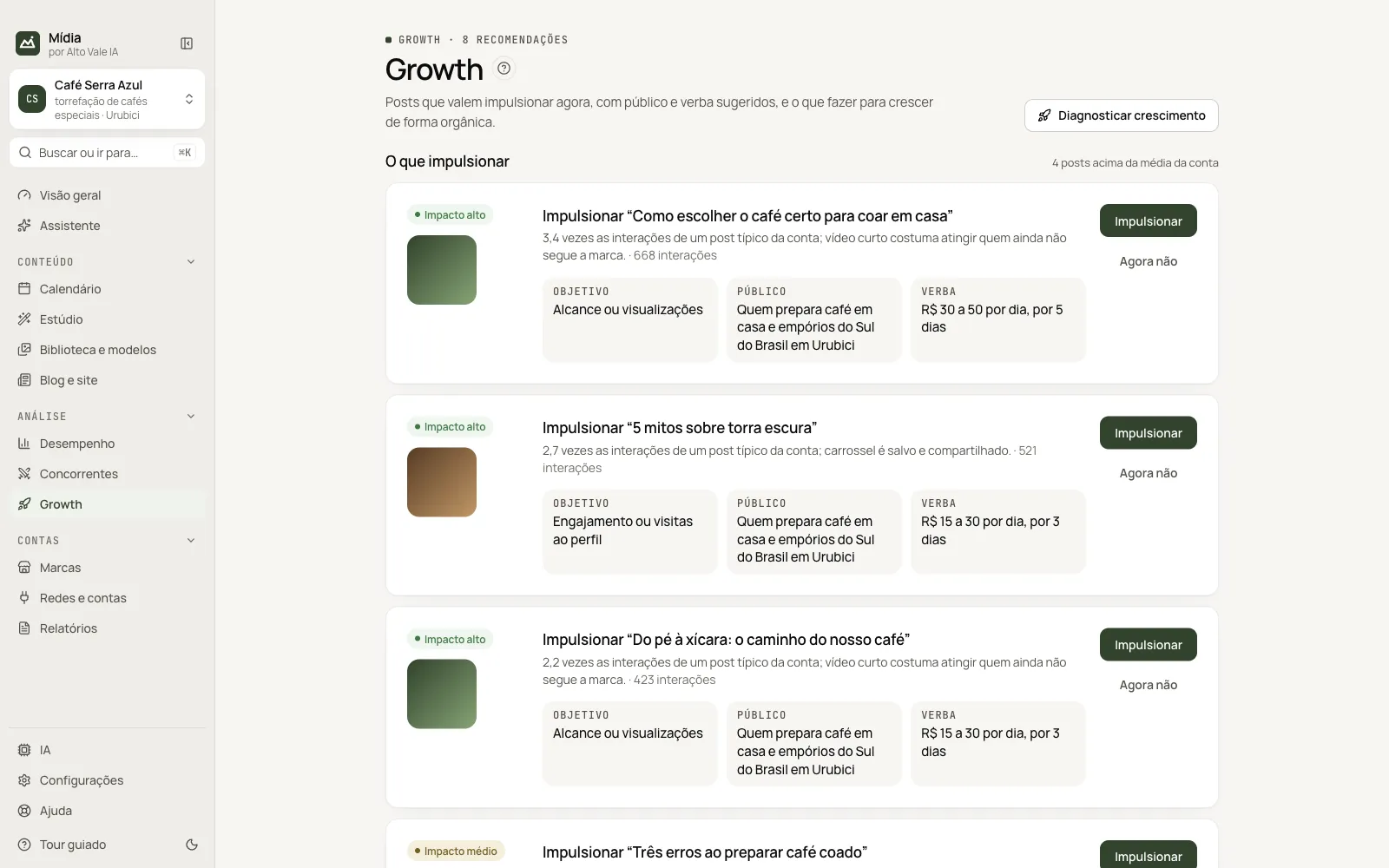
Download the installer for Mac or Windows and enter your AVIA-… key or sign in with your site account.
Pick the AI, enter the brand's name and site and click Fill in with AI: it suggests the Brand Kit, and you review it.
Log in to each network in a window inside the app and tick the competitors the AI suggests by niche and region.
The AI sets out ideas for the next 2 weeks in the Calendar. In the Studio an idea becomes a carousel, video or article, and the app fills in the post for you to check.
The app's screens, tours and manual are in Portuguese. Networks change their pages without notice: if a publishing step fails, nothing is posted and the caption is ready to paste. On Mac, allow the first launch in System Settings › Privacy & Security › Open Anyway; on Windows, click More info › Run anyway in SmartScreen.
Download the installer in My account on the site: .dmg for Mac (Apple Silicon or Intel) or .exe for Windows, which installs for your user only. On first launch, enter the AVIA-… key you got with your purchase or click Sign in with my account, then accept the terms of use.
Yes: 3 days, on 1 computer, with everything unlocked, one per account and one per computer. It becomes available when Mídia leaves “coming soon” in the store; until then, the item page has the waiting list.
R$ 497 per brand, as a one-time purchase: no subscription, no expiry, version 1.x updates included (2.0 is sold separately). Pay in up to 12 card installments of R$ 41.42, or R$ 422 upfront (15% off) via Pix or boleto. Place the order on the site and arrange payment over WhatsApp. AI is paid separately, depending on the option you choose.
Yes. The app key covers one brand, and each other brand uses its own key. Without a key the brand is locked, and its data stays on your computer.
Yes, while the app has no digital signature. On macOS, open System Settings › Privacy & Security › Open Anyway. On Windows, click More info › Run anyway in the SmartScreen notice.
The app checks the store for new versions by itself, downloads in the background, verifies the file and installs when you close it, after copying the database. Your data lives outside the program, so updating, reinstalling or uninstalling does not erase it.
On your computer. Brands, accounts, content, metrics and chat are in an encrypted database, and API and brand keys are encrypted. The app talks to the store for license and updates, and to the networks and AIs you use.
It depends. With an API key, you pay the provider directly for what you use. With Claude Code, Codex or Gemini CLI, you use the plan you already pay for. Local AI (Ollama) is free.
No. The app publishes with the computer on and the app open (it can stay in the tray). If a time slot passes with the computer off, the app tells you when it opens.
It can happen: platforms may limit accounts that use automation. That's why publishing is assisted by default (you confirm each post) and the app works at a moderate pace.
Price, sales status and ordering are on Mídia's store page. Questions about the app? Talk to us on WhatsApp.