Your month at a glance
Monthly entries, with category rules you can adjust, and all of them on one screen with filters, bulk actions and CSV export.
Alto Vale Pessoal organizes your money month by month, with goals, projections, net worth and couple finances. The Assistant turns messages, screenshots, voice notes and spreadsheets into entries you confirm. It is free, works without an account and AI is optional.
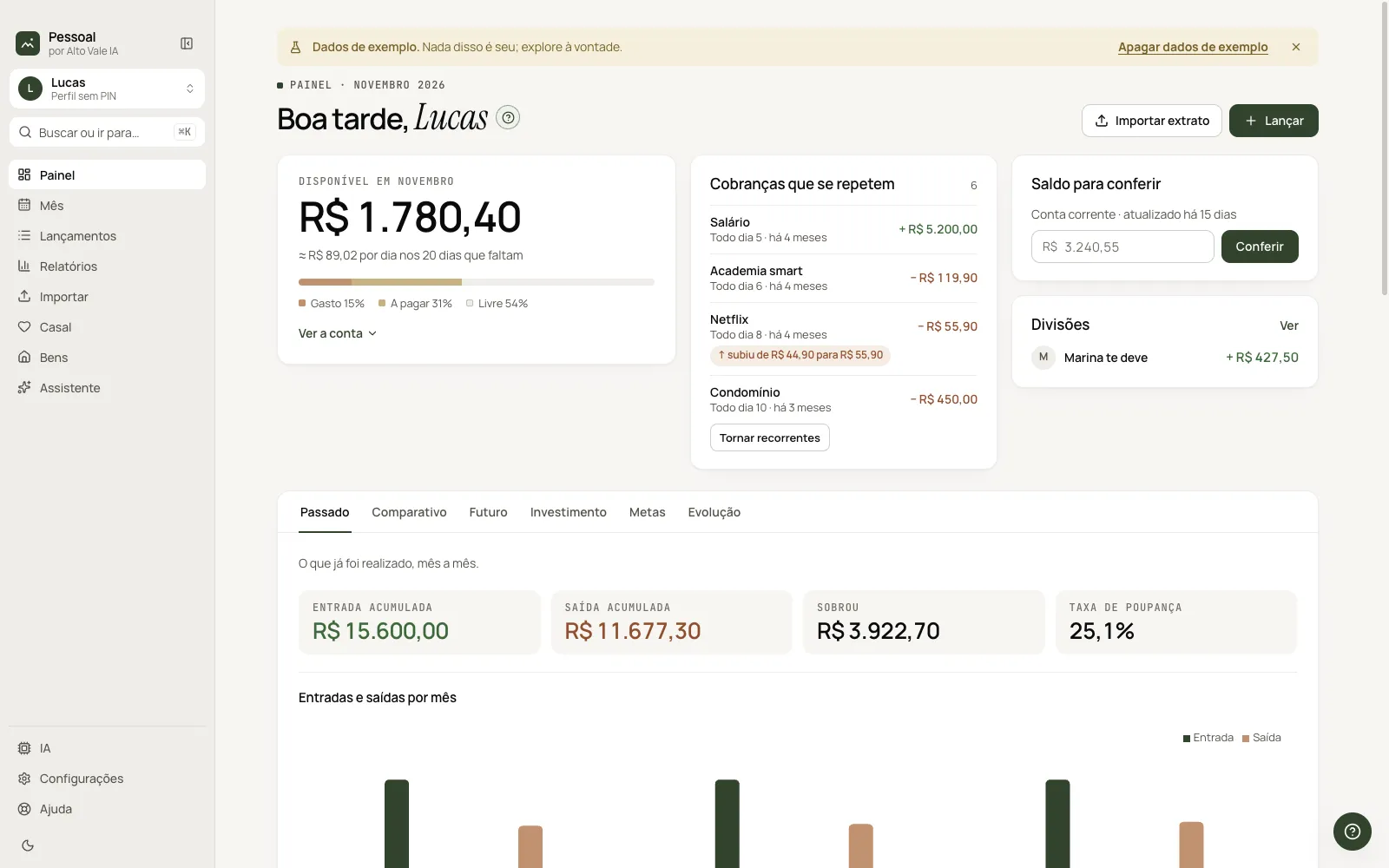
Monthly entries, with category rules you can adjust, and all of them on one screen with filters, bulk actions and CSV export.
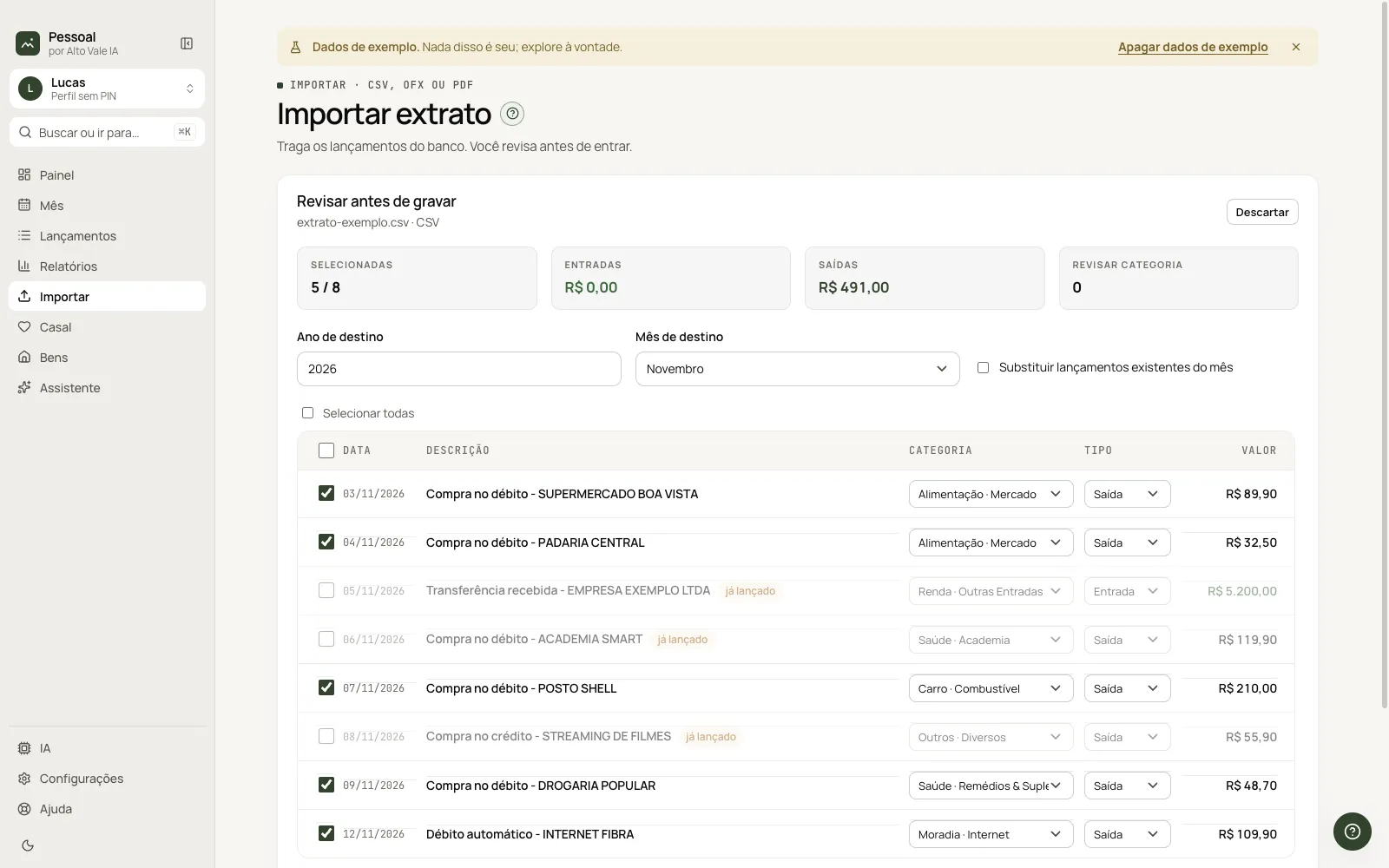
Bank statements in OFX and CSV and PDF card bills, reviewed before saving.
A dashboard with past, comparison, future, investments, goals and evolution, plus a projection of the coming months with recurring bills.
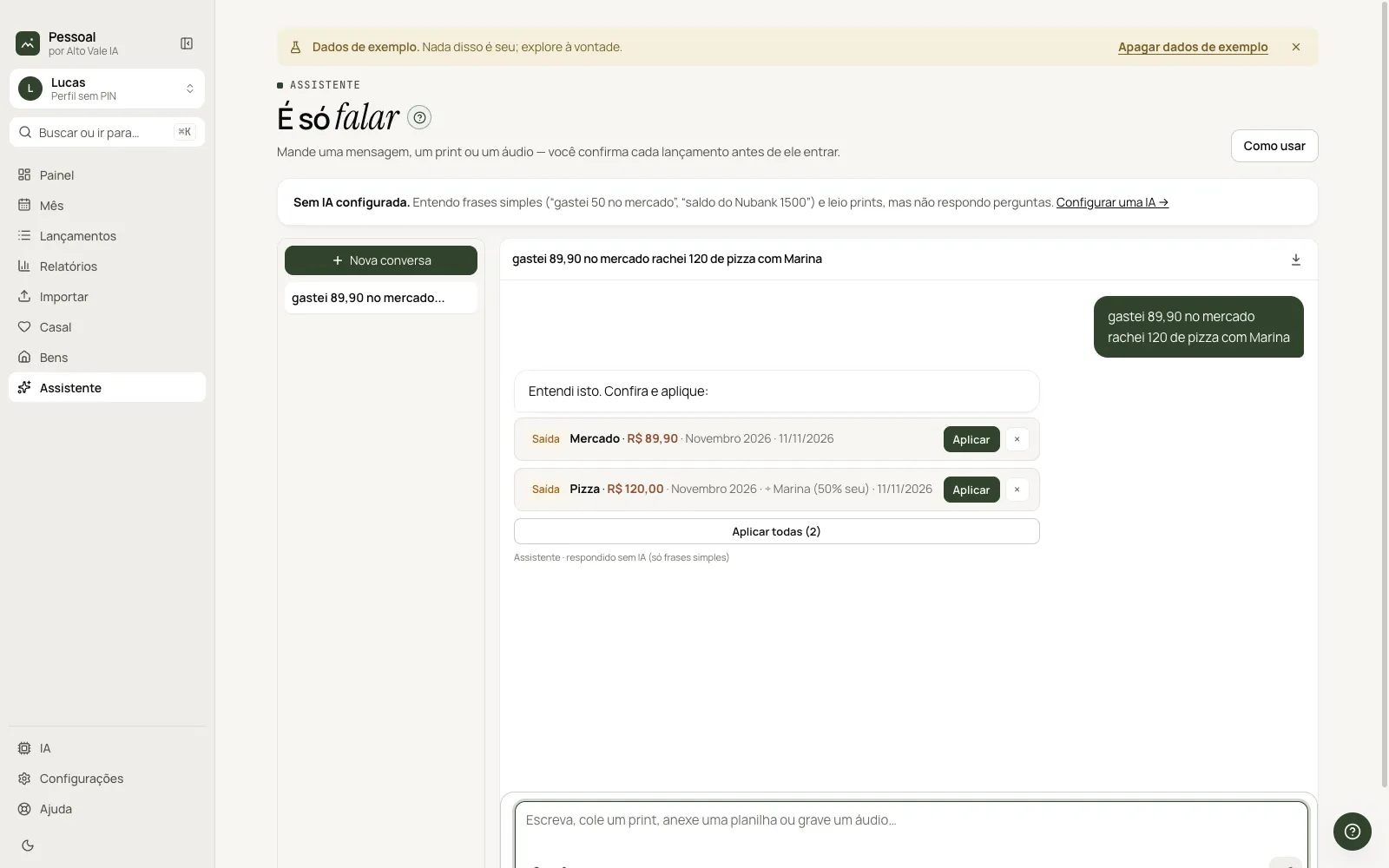
“Spent 50 on groceries”, screenshots, voice notes and spreadsheets become entries you confirm before they are saved.
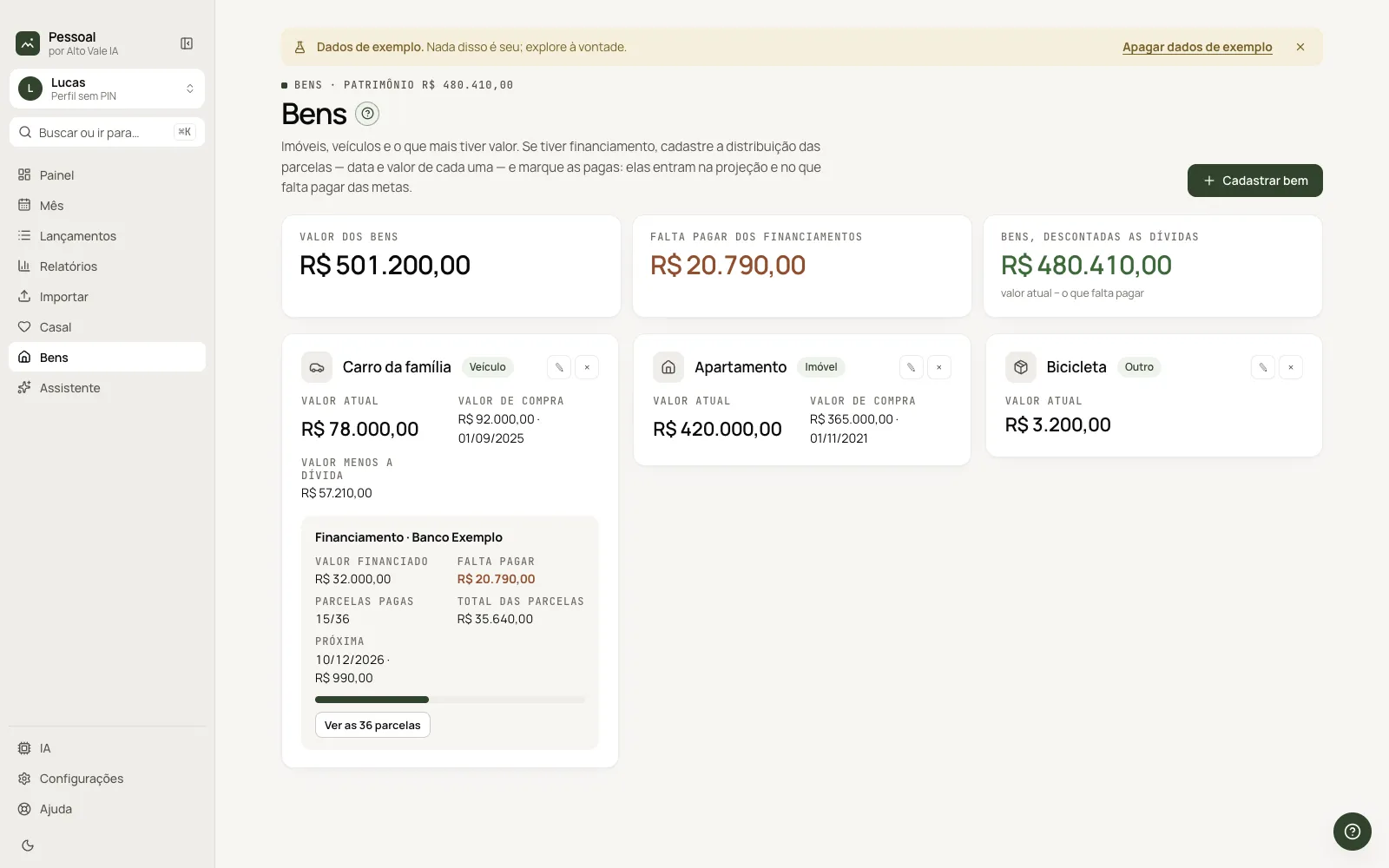
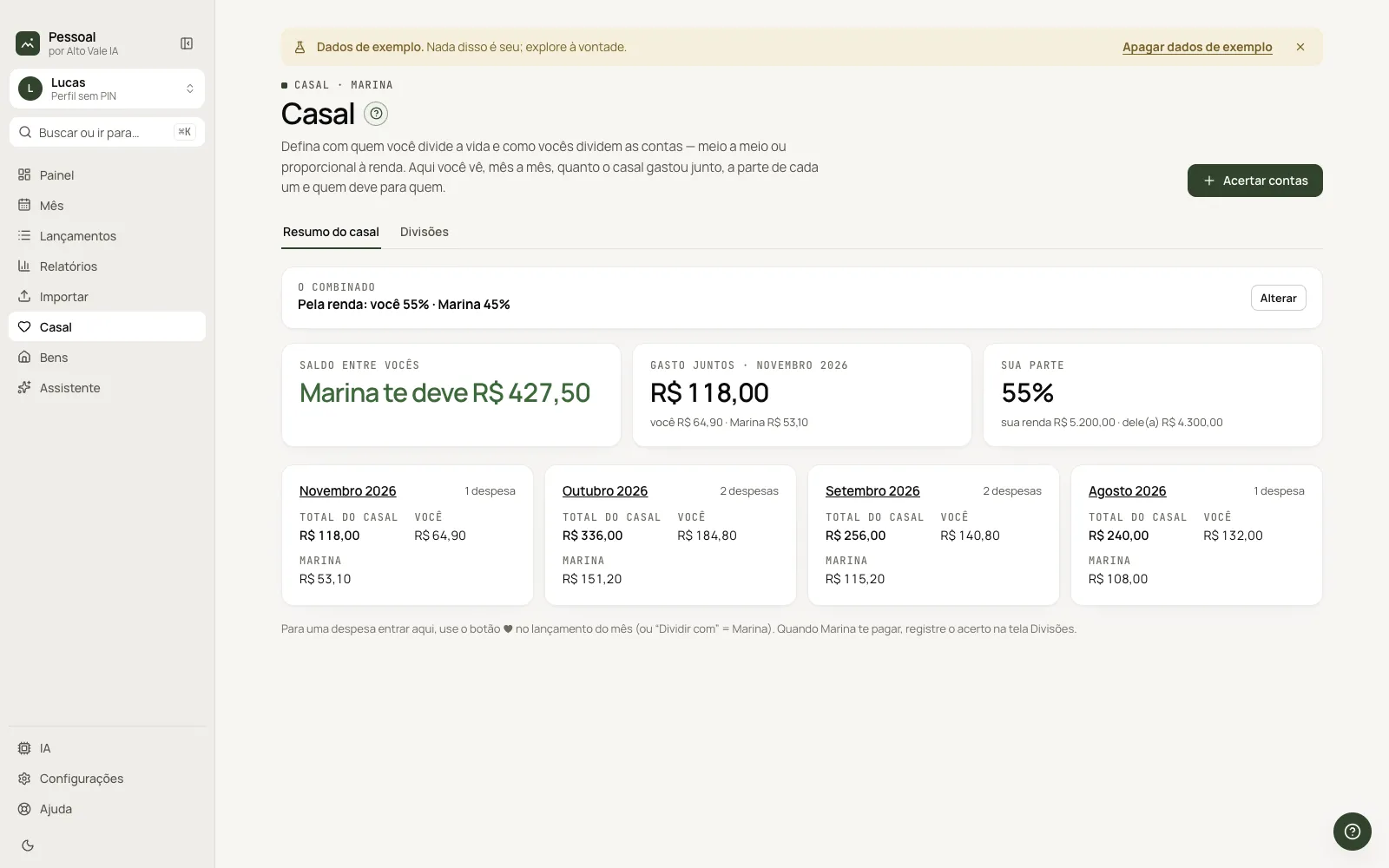
Shared expenses split half and half or by income, one profile per person at home with an optional PIN, and assets with financing and installments.
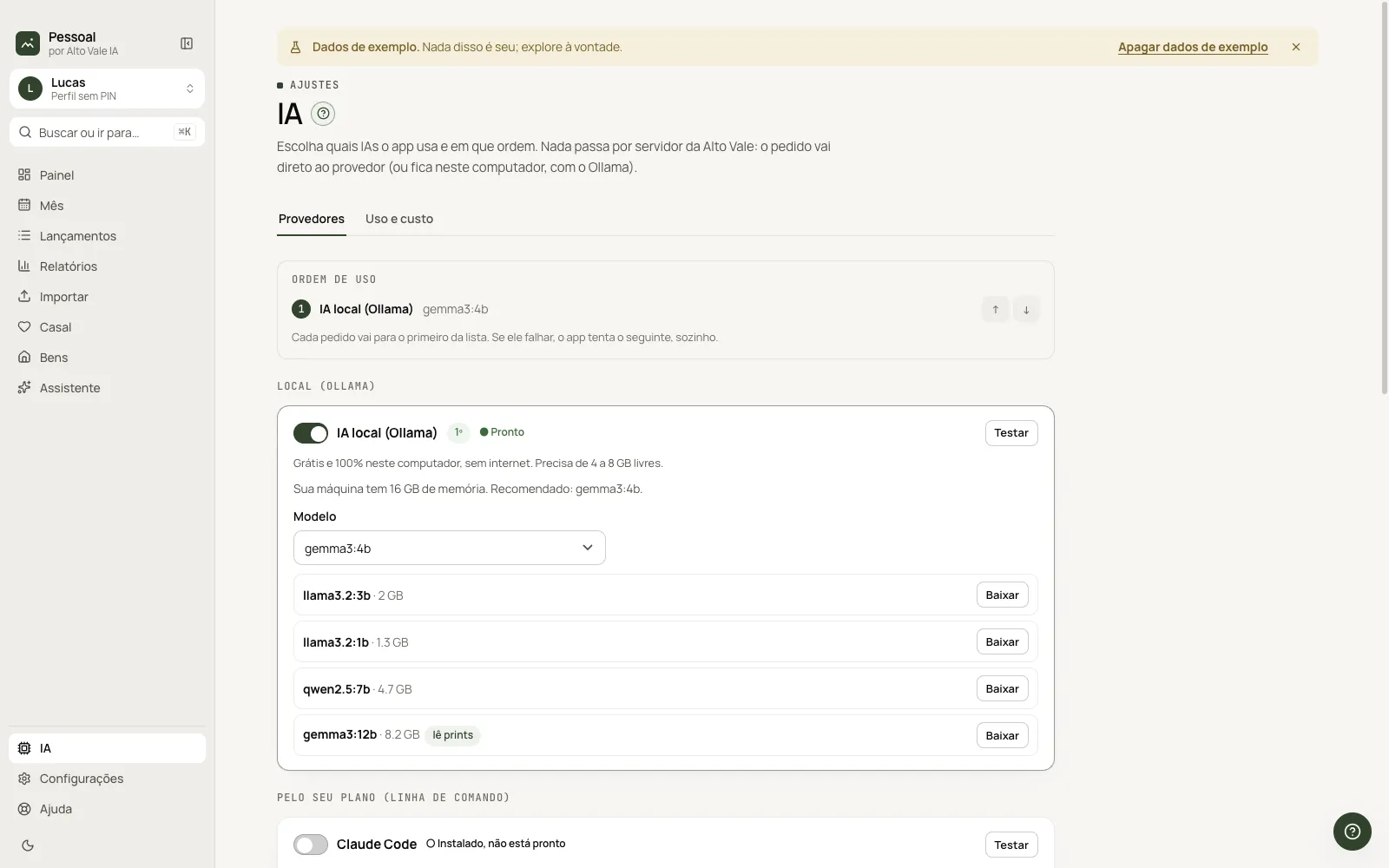
Ollama on your computer, your Claude Code or Codex plan, or an API key. Without AI the app still works.
Every feature in the app, in menu order. Each card opens the step-by-step guide.
Each feature has a step-by-step guide, the same one found in the app's Help.
Screenshots of the app with sample data.
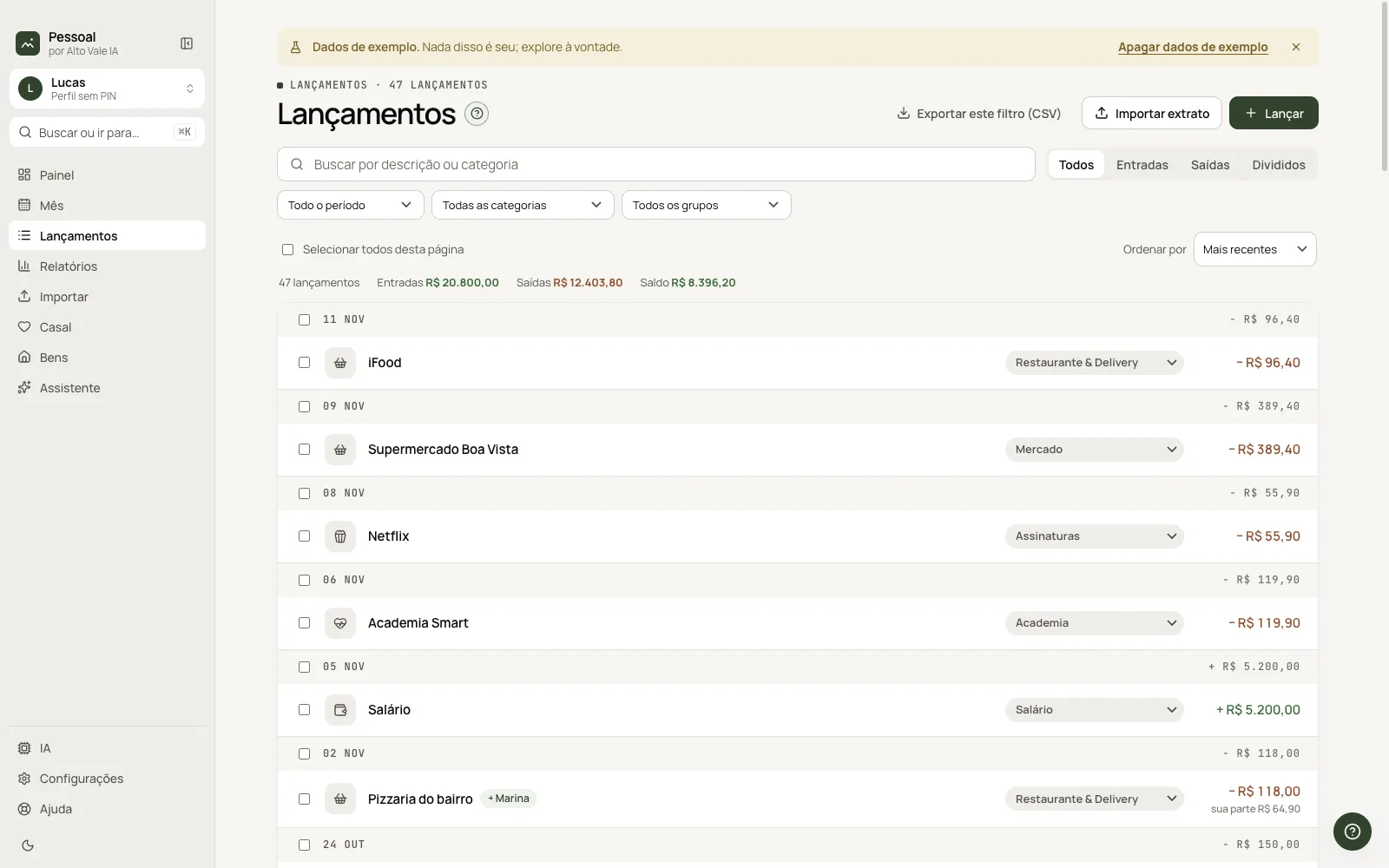
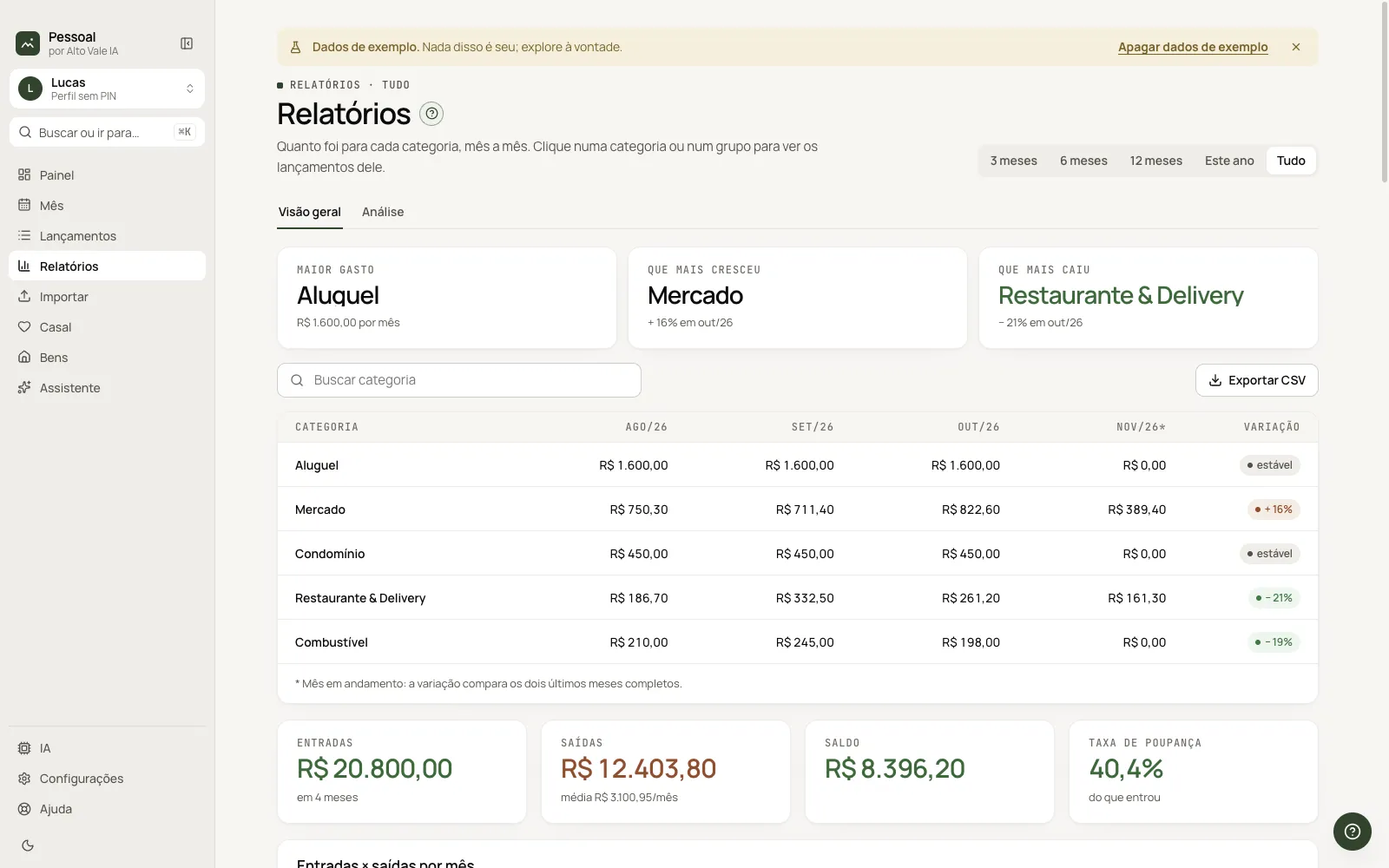
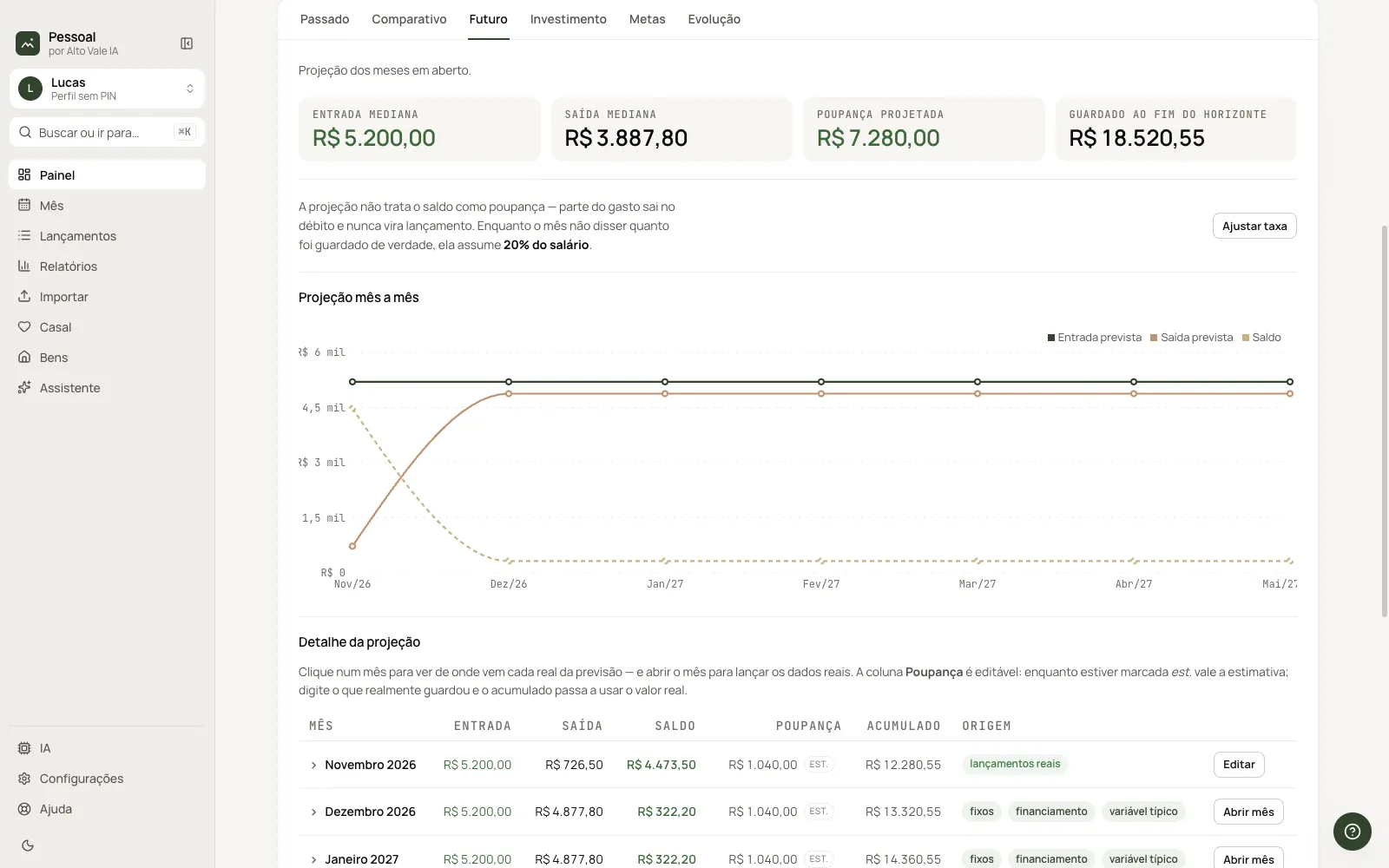
Click Get it free in the store: the download is released right away in My account. There are installers for Mac (Apple Silicon and Intel) and Windows.
On the Welcome screen, choose Portuguese, English or Spanish.
Ollama, Claude Code, Codex or an API key. You can skip it and set it up later.
Log the month by hand, tell the Assistant, import your statement or explore with sample data.
Without AI, the Assistant understands simple sentences and reads screenshots; reading spreadsheets and answering questions needs an AI. The app is not digitally signed yet: on Mac, allow it in System Settings › Privacy & Security › Open Anyway; on Windows, click More info › Run anyway.
Yes. Click Get it free: access is released right away, with no payment or approval.
The database stays on your computer. Your data only leaves if you turn on an online AI (Claude Code, Codex or an API key), and it goes straight to that AI, without passing through an Alto Vale server. With Ollama, nothing leaves your computer. The altovaleia.com account never receives your financial data: it is only used to get updates.
No. Without AI you enter data by hand, import statements, and the Assistant understands simple sentences and reads screenshots. To read spreadsheets, answer questions and chat in Analysis, turn on an AI. Ollama is free and runs on your computer.
Not to use the app. The account is only for automatic updates. Without one, to update, download the new version from the site and install it over the old one.
In the app, go to Settings › Update and click Sign in with your account. From then on it downloads new versions by itself and only asks when to install: now or when you quit.
In Settings › Data, click Export everything and keep the file. On the new computer, install the app and use Import backup. It also works from Mac to Windows and the other way around.
The app does not have a digital signature from Apple or Microsoft yet, so the system warns you the first time you open it. On macOS: System Settings › Privacy & Security › Open Anyway. On Windows: More info › Run anyway.
Pessoal is free: click Get it free in the store and the download is released right away in My account.