AI ranking
Questions by intent and a 0 to 100 score per AI, with mentions, position, share of voice and sentiment, next to the competitors you register.
Alto Vale Scan asks ChatGPT, Gemini, Claude, Perplexity, Grok, Copilot and Google AI what your customers would ask, then shows whether your brand appears, in which position, next to which competitors and based on which sources. It also audits your site and gives you a plan with ready-made copy and code.
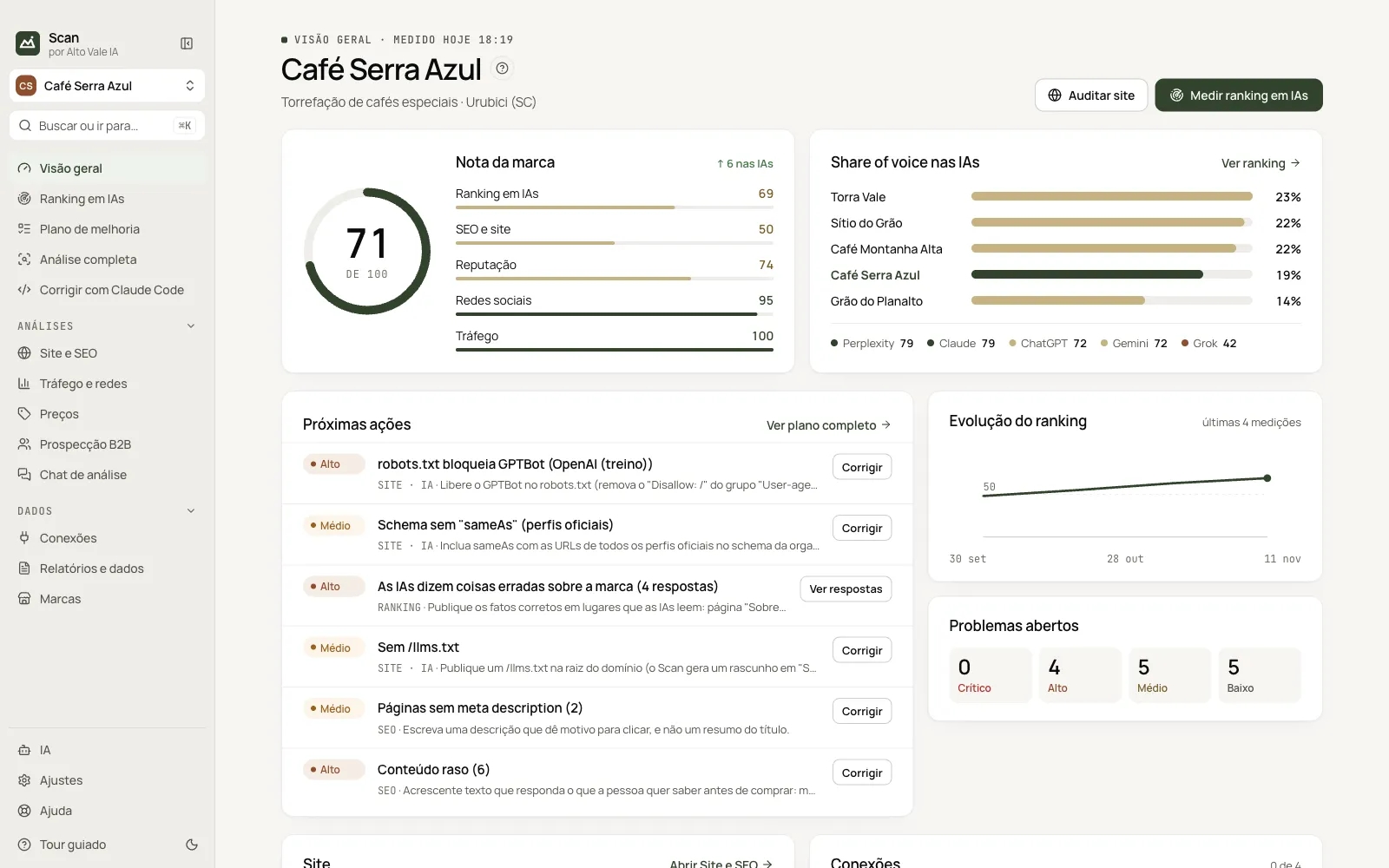
Questions by intent and a 0 to 100 score per AI, with mentions, position, share of voice and sentiment, next to the competitors you register.
The sites AIs rely on, where your brand is missing and the wrong facts about it, checked against your records.
Technical audit of your pages and AI readiness: robots.txt, llms.txt, schema, FAQ and sitemap.
Issues in priority order, with evidence, plus copy and code generated by AI. With Claude Code, fixes go straight into your site's code.
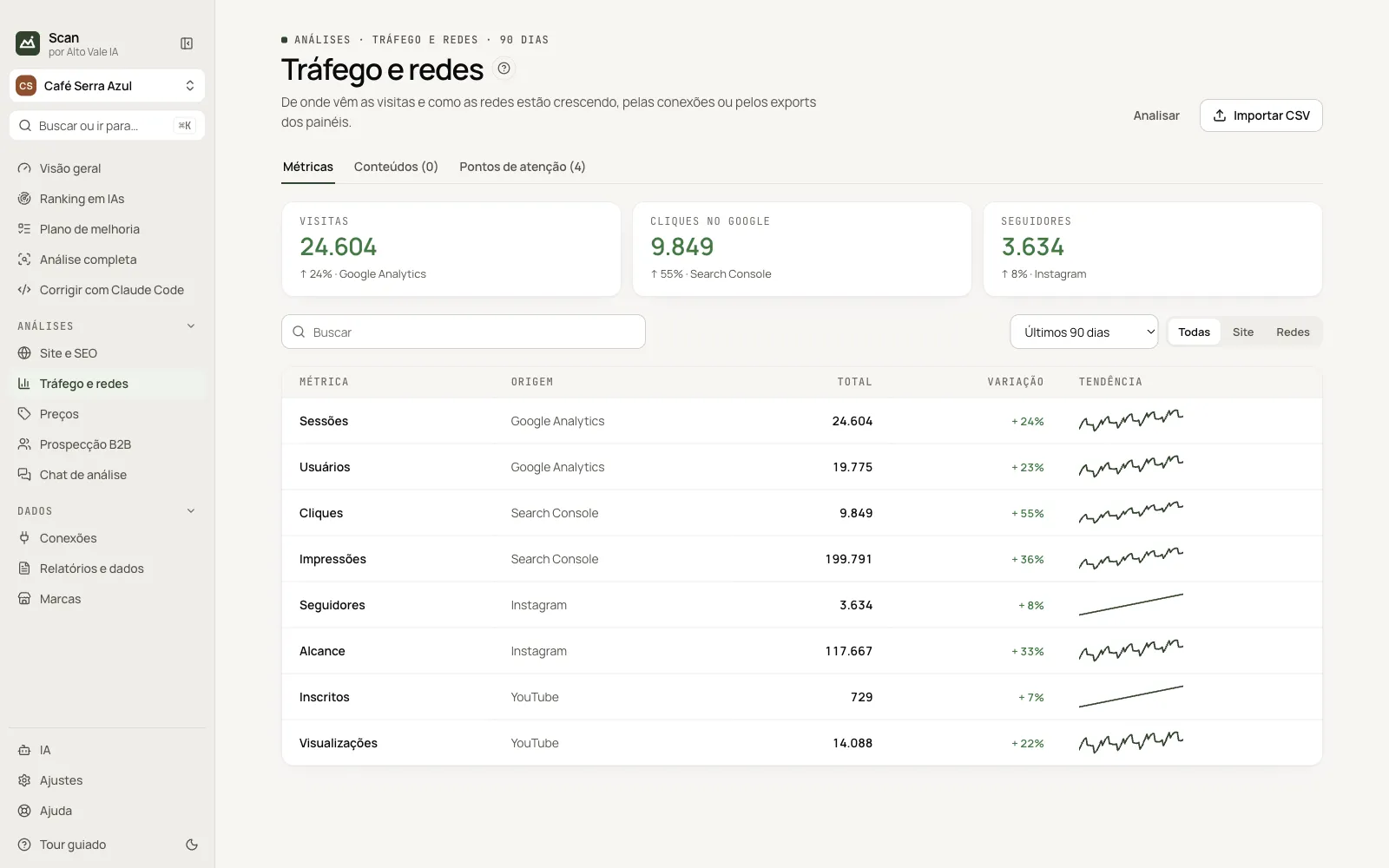
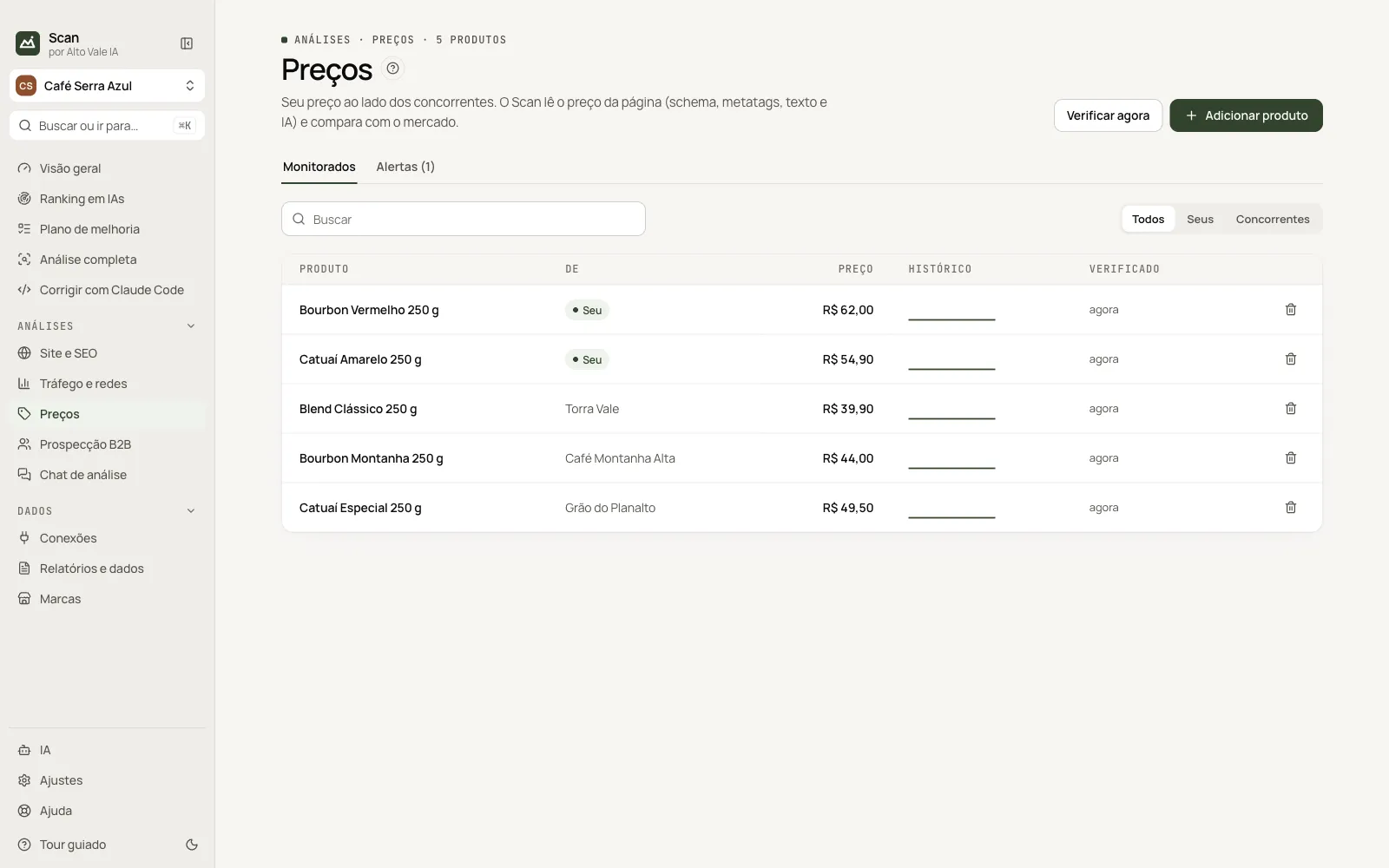
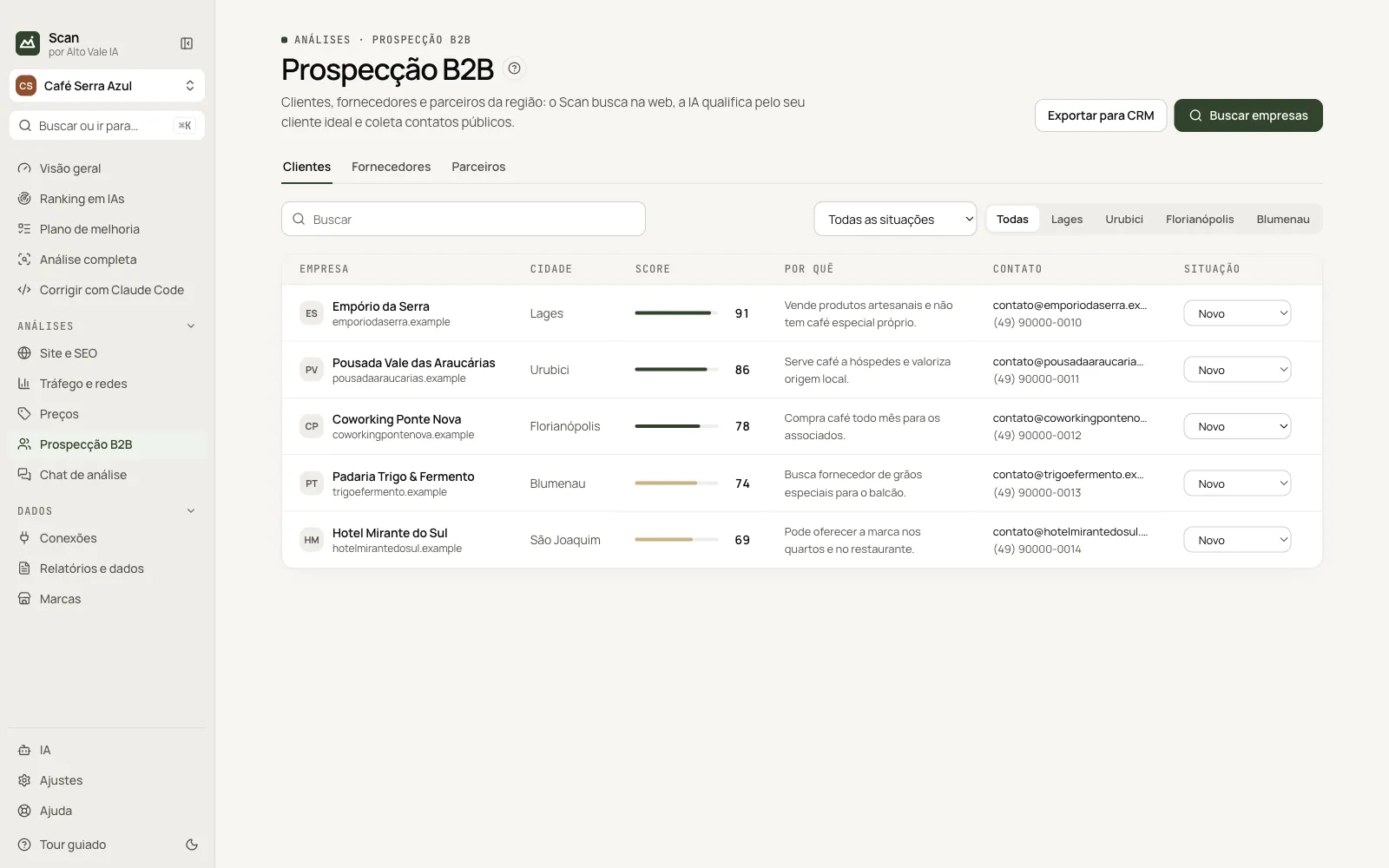
Search Console, Analytics and social networks in one app, your prices next to your competitors' and a search for customers, suppliers and partners.
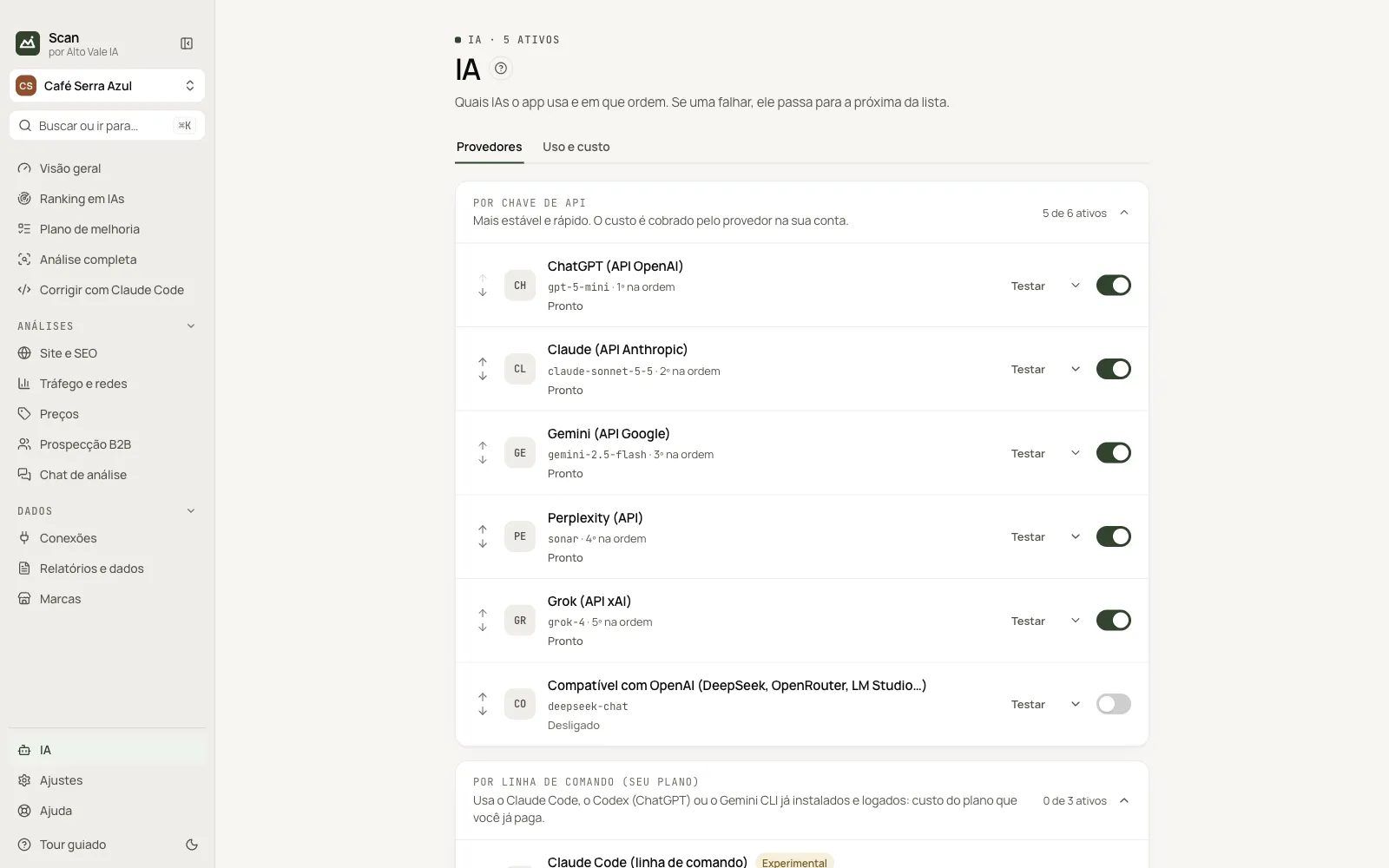
AI websites with your own login, your plan through Claude Code, Codex or Gemini CLI, your API key or free local AI with Ollama.
Every feature in the app, in menu order. Each card opens the step-by-step guide.
Each feature has a step-by-step guide, the same one found in the app's Help.
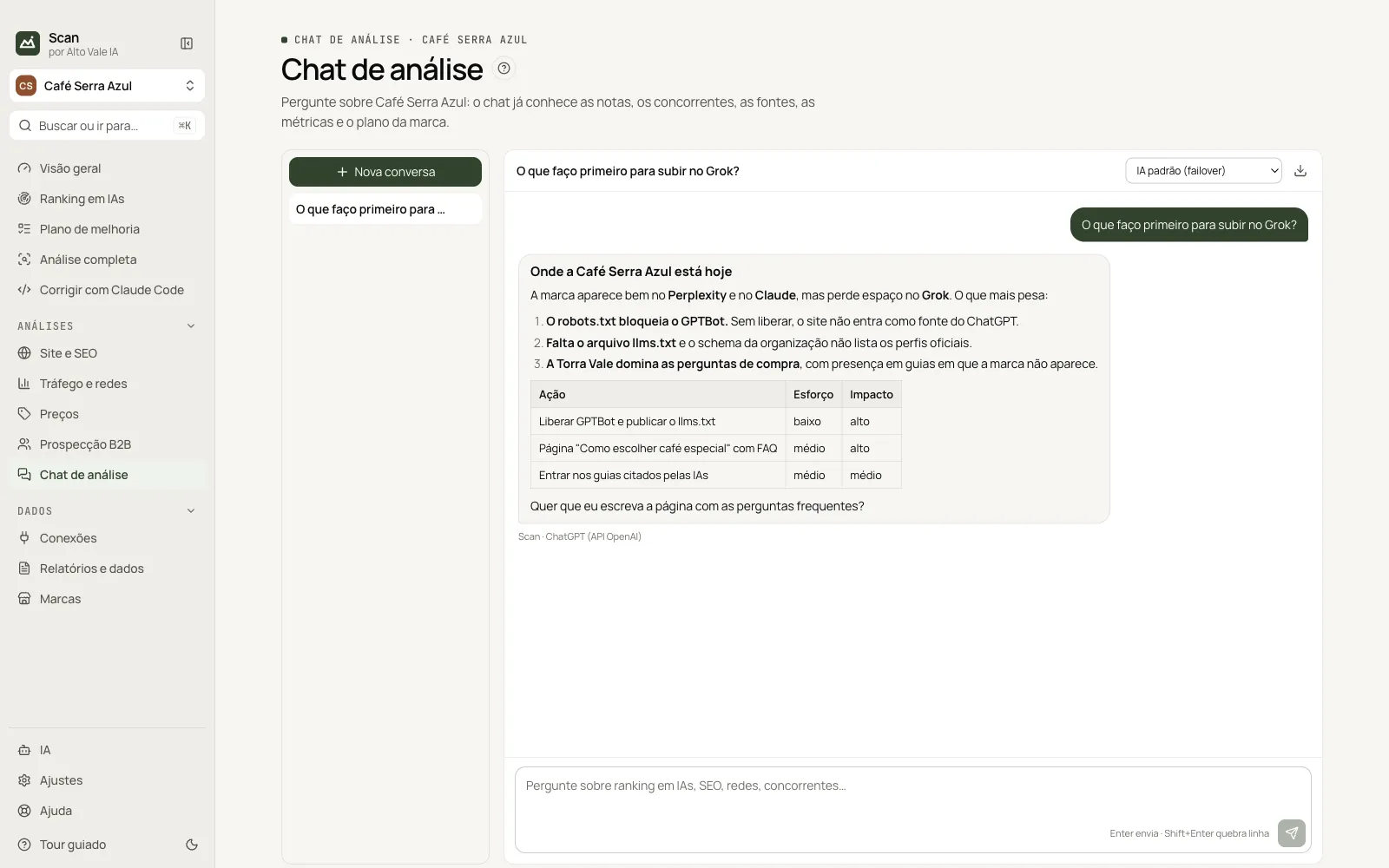
Screenshots of the app with sample data.
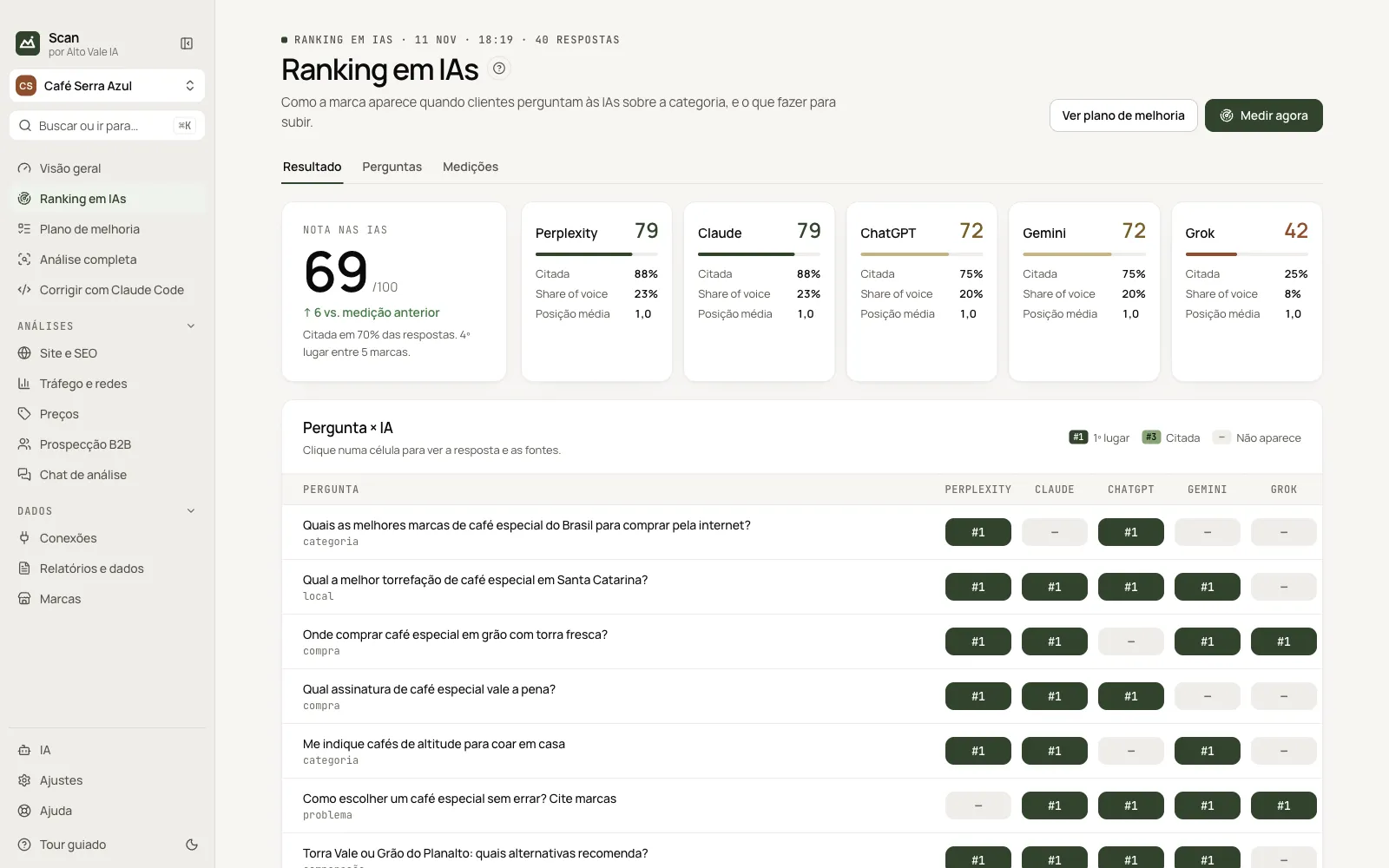
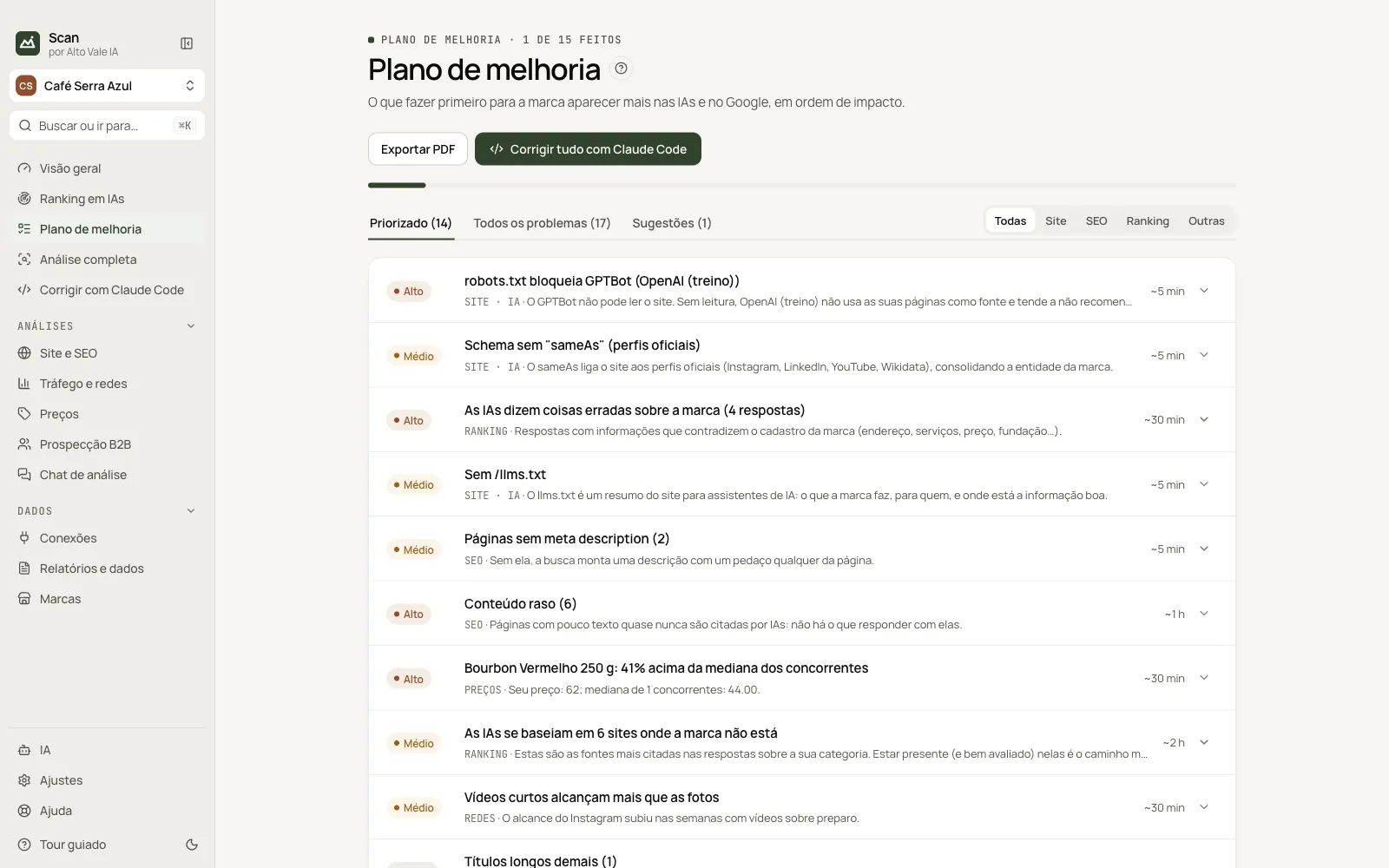
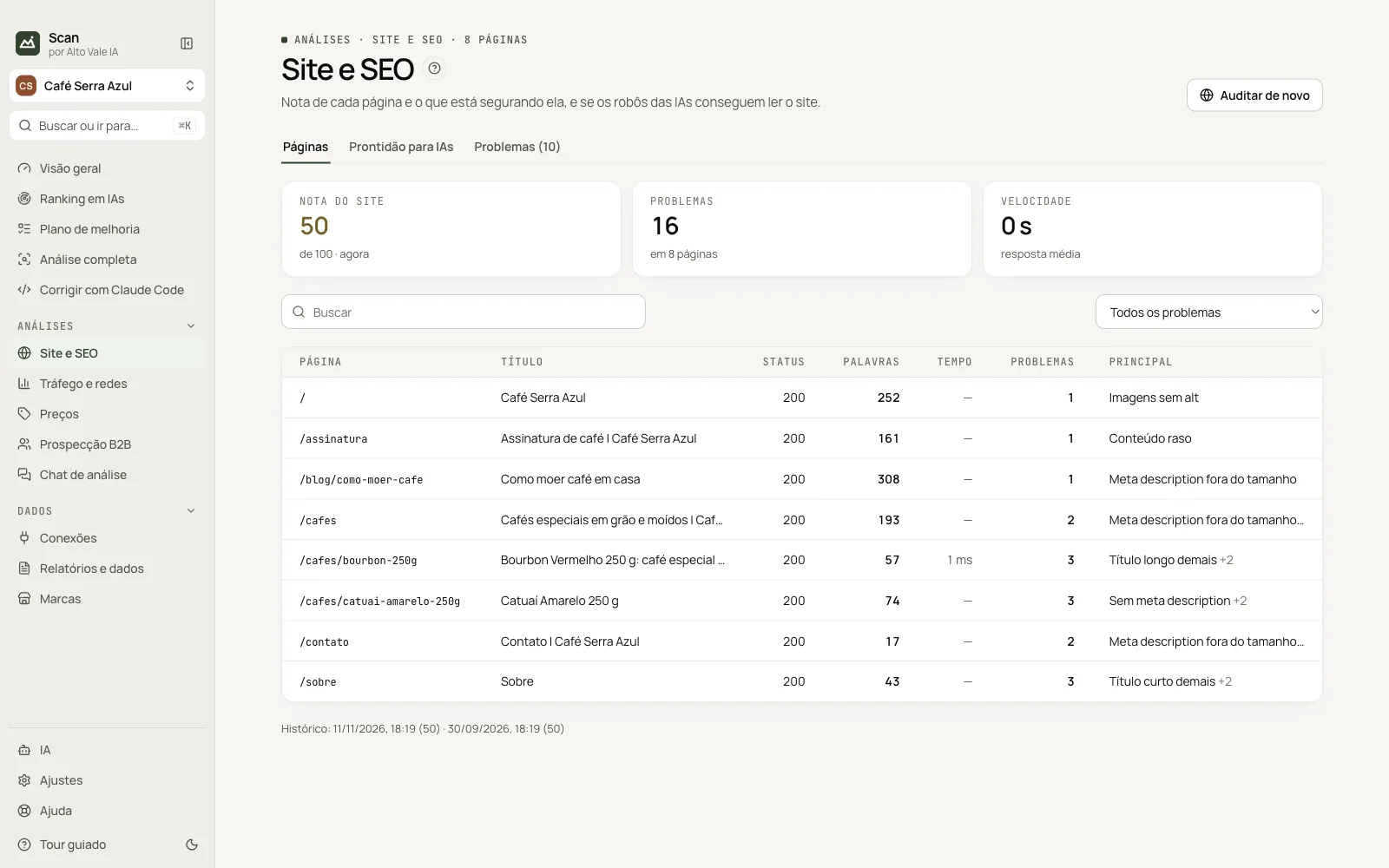
Download the installer for Mac or Windows and sign in with your site account or your AVIA-… key. The 3-day free trial starts from your account.
Log in to the AI websites you use, in a window inside the app, and choose an AI for the analyses: Claude Code, Codex, Gemini CLI, an API key or Ollama.
Name, site, what it sells, city and competitors. Scan writes 10 to 15 questions customers ask AIs, and you can edit them any time.
Measure the ranking, audit the site and collect the connected dashboards. Tasks run in the background, and what needs fixing goes into the improvement plan.
The app is in Portuguese: only the menu and the sign-in screen are available in English, and manuals and support are in Portuguese. Scan measures and guides, but it does not guarantee a position in AI answers. On Mac, allow the first launch in System Settings › Privacy & Security › Open Anyway; on Windows, click More info › Run anyway in SmartScreen.
Download the installer in My account on the site: .dmg for Mac (Apple Silicon or Intel) or .exe for Windows. On first launch, paste the AVIA-… key you got with your purchase or click Sign in with my account and confirm the code in your browser.
It lasts 3 days, on 1 computer, with everything unlocked. It starts when you sign in to the app with your site account. There is one trial per account and one per computer.
R$ 397 per brand, as a one-time purchase: no subscription, no expiry, version 1.x updates included (2.0 is sold separately). Pay in up to 12 card installments of R$ 33.08, or R$ 337 upfront (15% off) via Pix or boleto. Place the order on the site and arrange payment over WhatsApp. AI is paid separately, depending on the option you choose.
Yes. Each brand (site) you analyze uses its own AVIA-… key. The app key also works for one brand, and the same key cannot be used on two. To analyze more brands, buy more keys in the store.
Each key activates on one computer at a time. To switch machines, use Settings › License › Sign out of this computer, which frees the seat. To use more computers at the same time, buy more keys.
The installers are not signed yet. On Mac, open System Settings › Privacy & Security and click Open Anyway. On Windows, in the SmartScreen warning, click More info › Run anyway.
The app checks the store when it opens, every 6 hours and when the computer wakes up. It downloads in the background, verifies the file and installs when you close the app, after copying the database. Brands and analyses are kept. In Settings you can turn automatic updates off, ask for a warning before installing or pick the beta channel.
On your computer. Brands, measurements, analyses and chat are in an encrypted database; API keys and the license are encrypted (on Windows by the system vault, on Mac with a local app key in a file only your user can read); login sessions are in the built-in browser profiles. The app talks to the store for license and updates, and to the AIs and sites you use.
It depends. With an API key, you pay the provider directly for what you use. With Claude Code, Codex or Gemini CLI, you use the plan or account you already have. Ollama is free and runs on your computer. Scan does not include AI credits.
No. It measures how your brand appears, explains what matters and gives you a plan with the fixes. AI answers vary and the AIs decide what to say. That is why the score is for following the trend, using the same questions each time.
Try it for 3 days, on 1 computer, with everything unlocked. Price, ordering and downloads are on Scan's store page.