Site and SEO
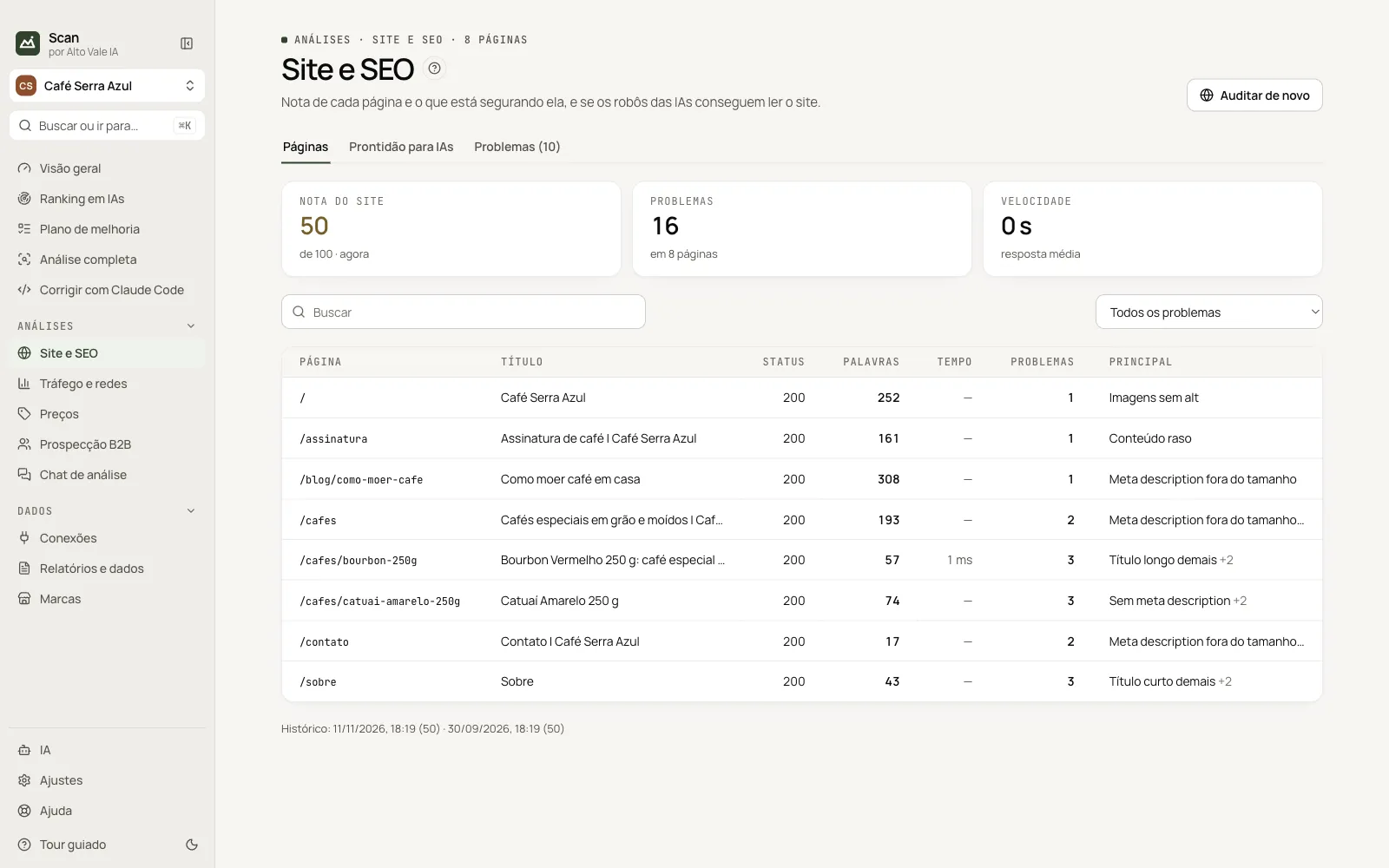
Each page score and whether AI bots can read your site.
What it is for
Audits the site like a search bot: technical SEO, robots.txt, sitemap, llms.txt, schema and content.
Before you start
- Website address in the brand registration.
Step by step
- Click Audit site and confirm the address.
- See the Pages tab (scores and problems).
- Open AI readiness.
- Fix in Problems or in the Plan.
Every action on this screen
Audit site / Audit again
Window with address and max pages (150). Example: 8 pages in about 40 s.
Pages
Table with title, status, words, time, problems and the main one; search and filter by problem.
AI readiness
Checklist: /llms.txt, organization schema, sameAs, FAQ, sitemap, content without JavaScript, and which bots (GPTBot, ClaudeBot…) are allowed.
Problems
Site findings with Open in plan.
Shortcuts
- ⌘K / Ctrl+K: go to another screen or brand
- F1: opens this guide
Common problems
The audit read few pages
The site may need JavaScript or block bots; see AI readiness.
See also
Screen in the app: /site · In the app, press F1 on this screen to open this guide.
Still have a question?
Talk to the Alto Vale IA team on WhatsApp. Tell us the app, the screen and what happened.