Reports
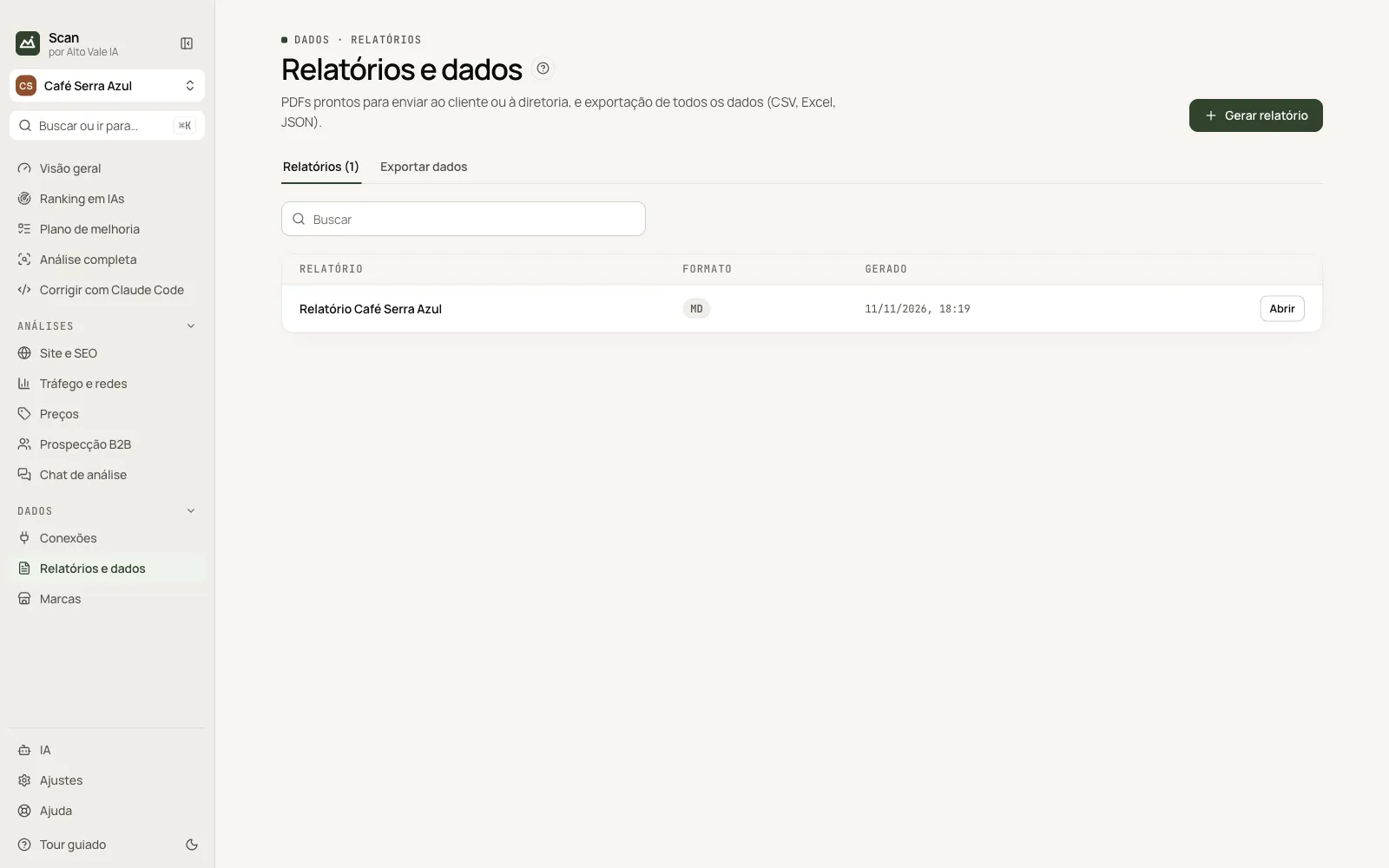
PDF, Markdown and HTML for clients, and data export.
What it is for
Creates reports with the sections you pick and exports every table to CSV, Excel or JSON.
Before you start
- Data collected in the screens of the sections.
Step by step
- Click Generate report.
- Tick sections and format.
- Open the file from the list.
Every action on this screen
Generate report
E.g. Summary, Ranking and Plan as PDF.
Export data
Tab with each dataset (answers, scores, sources, problems…) as CSV, XLSX or JSON.
Shortcuts
- ⌘K / Ctrl+K: go to another screen or brand
- F1: opens this guide
Common problems
Report will not open
Check the folder in Settings › Scheduling.
See also
Screen in the app: /reports · In the app, press F1 on this screen to open this guide.
Still have a question?
Talk to the Alto Vale IA team on WhatsApp. Tell us the app, the screen and what happened.