One inbox for everything
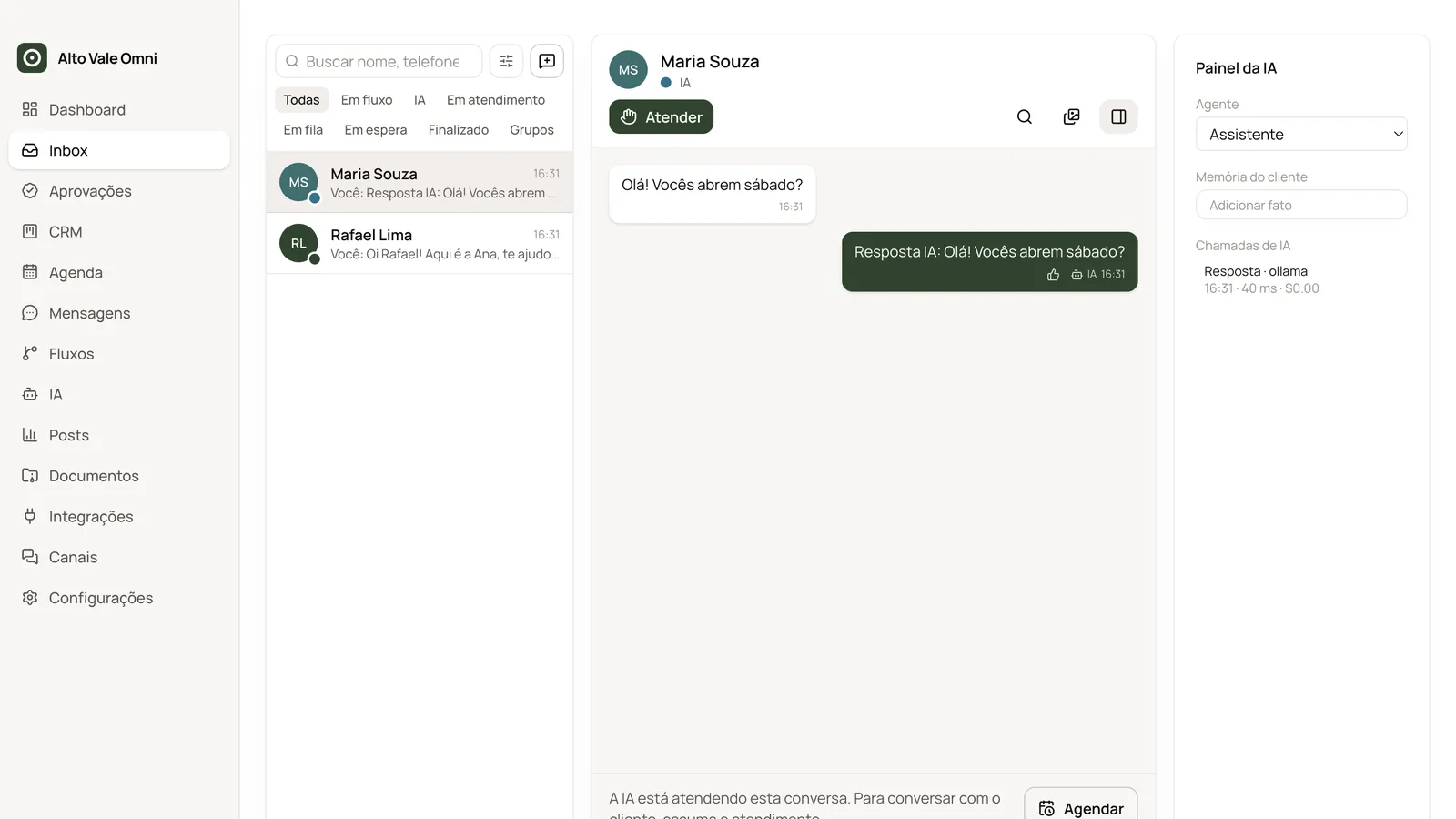
WhatsApp, Instagram Direct and email on one screen, with a queue, conversation status and internal notes customers never see.
Alto Vale Omni brings WhatsApp, Instagram Direct and email into one app, with an AI that answers the way you teach it. Take over any conversation in one click. Conversations and contacts stay on your computer, encrypted.
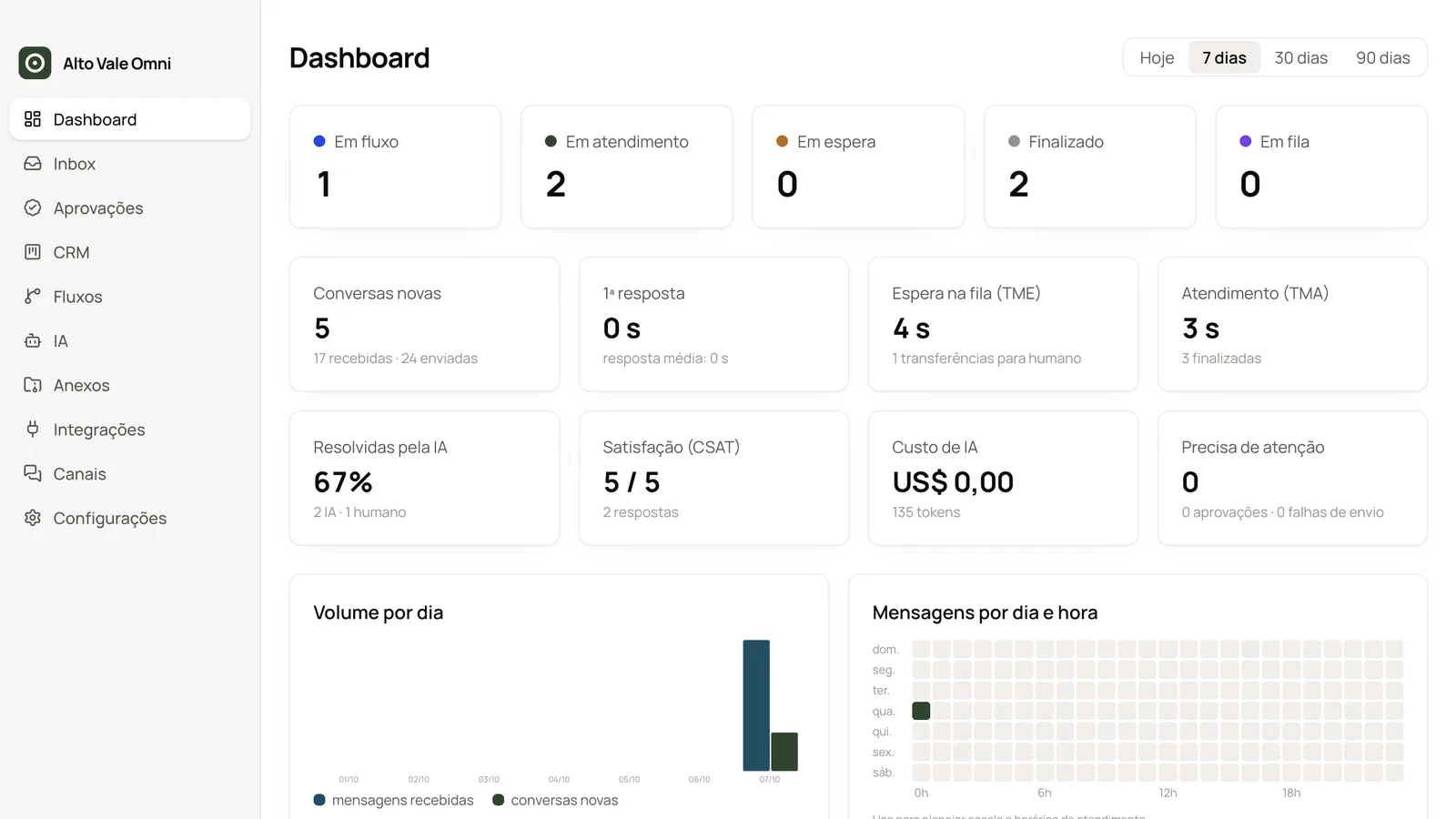
WhatsApp, Instagram Direct and email on one screen, with a queue, conversation status and internal notes customers never see.
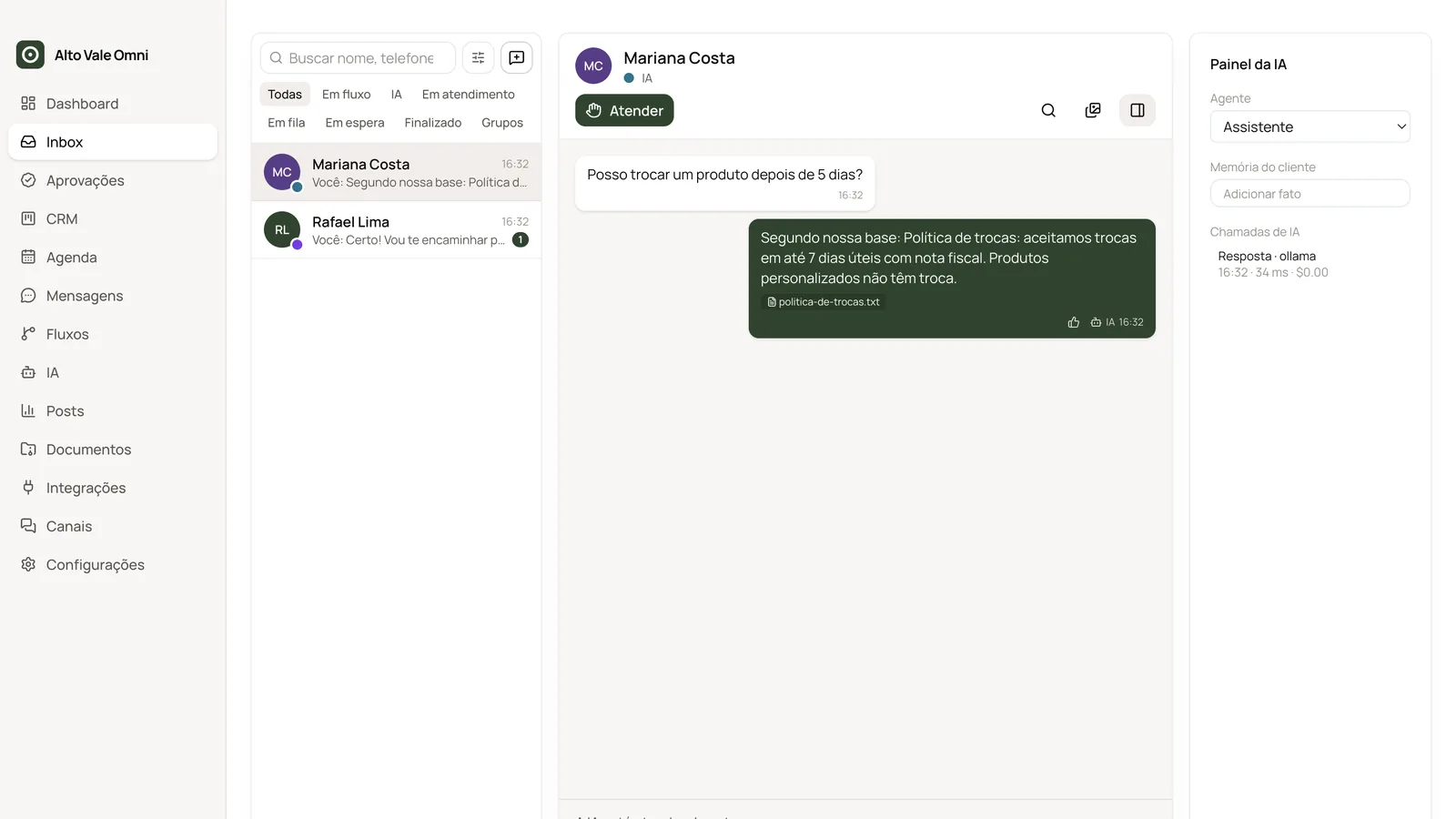
A knowledge base with PDFs, spreadsheets and your website pages. Answers cite the source; without one, prices, deadlines, links and phone numbers are not sent.
Take, close or hand back to the AI in one click. The app notices when you replied from your phone.
Sales pipeline, WhatsApp orders with a menu, appointments with confirmation and waiting list, and Pix confirmation from your bank email.
Hourly and daily limits for messages your business starts, a queue for the excess and opt-outs respected. Replies to customers are never held.
Use your Anthropic, OpenAI or Google key and pay the provider only for what you use, or free local AI with Ollama.
Download the installer for Mac or Windows and sign in with your site account. The 7-day free trial starts right there, no card needed.
The AI asks short questions, by text or voice: what you sell, whether you book appointments, deliver or take Pix, and how it should talk.
It shows what it will set up, item by item — flows, messages, schedule, tone of voice — and only applies it after you confirm.
Scan the WhatsApp QR code, connect Instagram and take the guided tour of the areas you picked.
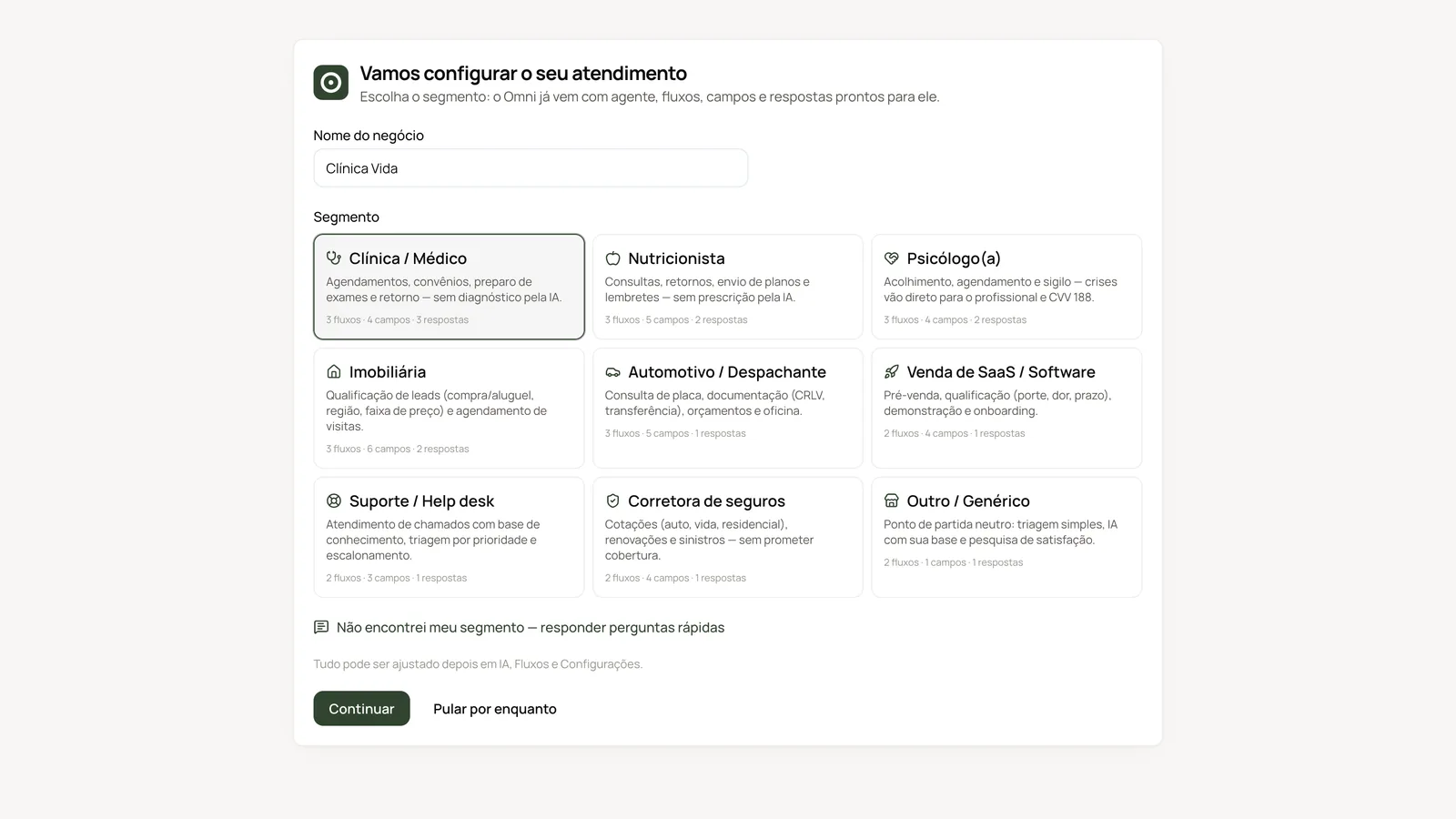
During setup, Omni applies flows, messages and fields made for your business type. Each one has a PDF manual with the step-by-step (in Portuguese).
Installing, activating, the initial setup and the tour, for any business type.
Manual (PDF, PT)Inventory, trade-in appraisal, financing quotes and test drive booking.
Manual (PDF, PT)Quotes, service booking and car-ready notices.
Manual (PDF, PT)Appointments with confirmation, insurance and exam prep, with confidentiality.
Manual (PDF, PT)Website catalog, order status, exchanges and returns.
Manual (PDF, PT)An organized inbox, partnerships, sponsored posts and follower replies.
Manual (PDF, PT)Product availability, reservations, opening hours and address.
Manual (PDF, PT)Lead qualification, viewings and quotes.
Manual (PDF, PT)Buy and rent leads, qualification and viewing appointments.
Manual (PDF, PT)Triage, ticket numbers, knowledge base and satisfaction surveys.
Manual (PDF, PT)WhatsApp orders with a menu, delivery fee by area and 80 mm receipts.
Manual (PDF, PT)The manuals are in Portuguese.
On Mac the app is not signed by Apple: on first launch, allow it in System Settings › Privacy & Security › Open Anyway. On Windows, SmartScreen may warn before installing.
The price is arranged over WhatsApp, in Brazilian reais, and depends on the plan (annual or lifetime for the 1.x line) and how many computers. Each computer uses one key. Try it free for 7 days first.
It can: WhatsApp Web is not an official automation channel. Safe sending is on by default and limits the messages your business starts; replies are not limited. For volume, use the official WhatsApp API (optional, billed by Meta).
With cloud AI, yes: you connect your own key and pay the provider directly. Local AI (Ollama) is free but needs a more powerful computer.
Yes. The AI only answers while the computer is on and the app is open; it can stay minimized and start with the system.
On the Omni store page, click "Start free trial", or install the app and choose "Sign in with your account". You get 7 days on 1 computer. If you buy, the same computer keeps working without reinstalling.
The app tells you when a new version is out, checks the file, backs up and installs over it. Versions are also in My account → Downloads.
Seven days with everything unlocked, on one computer. Plans, ordering and materials are on the Omni store page.