Analysis of your profile, posts and Direct inbox, plus automatic replies to comments, all read-only and calculated on your computer.
What it is for
Shows how the business profile is doing (followers, posts, Direct support) and replies to comments automatically. The analysis is read-only: Omni does not publish, like or follow anyone. The numbers stay on this computer.
Before you start
- Connect the business Instagram under WhatsApp and Instagram. Without it the screen shows "Connect Instagram to analyze your profile".
- Leave Omni open a few minutes a day: it saves one snapshot of the profile per day, and growth history only appears after about 7 days.
- For the deeper summary and AI-written replies, turn on a provider under AI.
Step by step
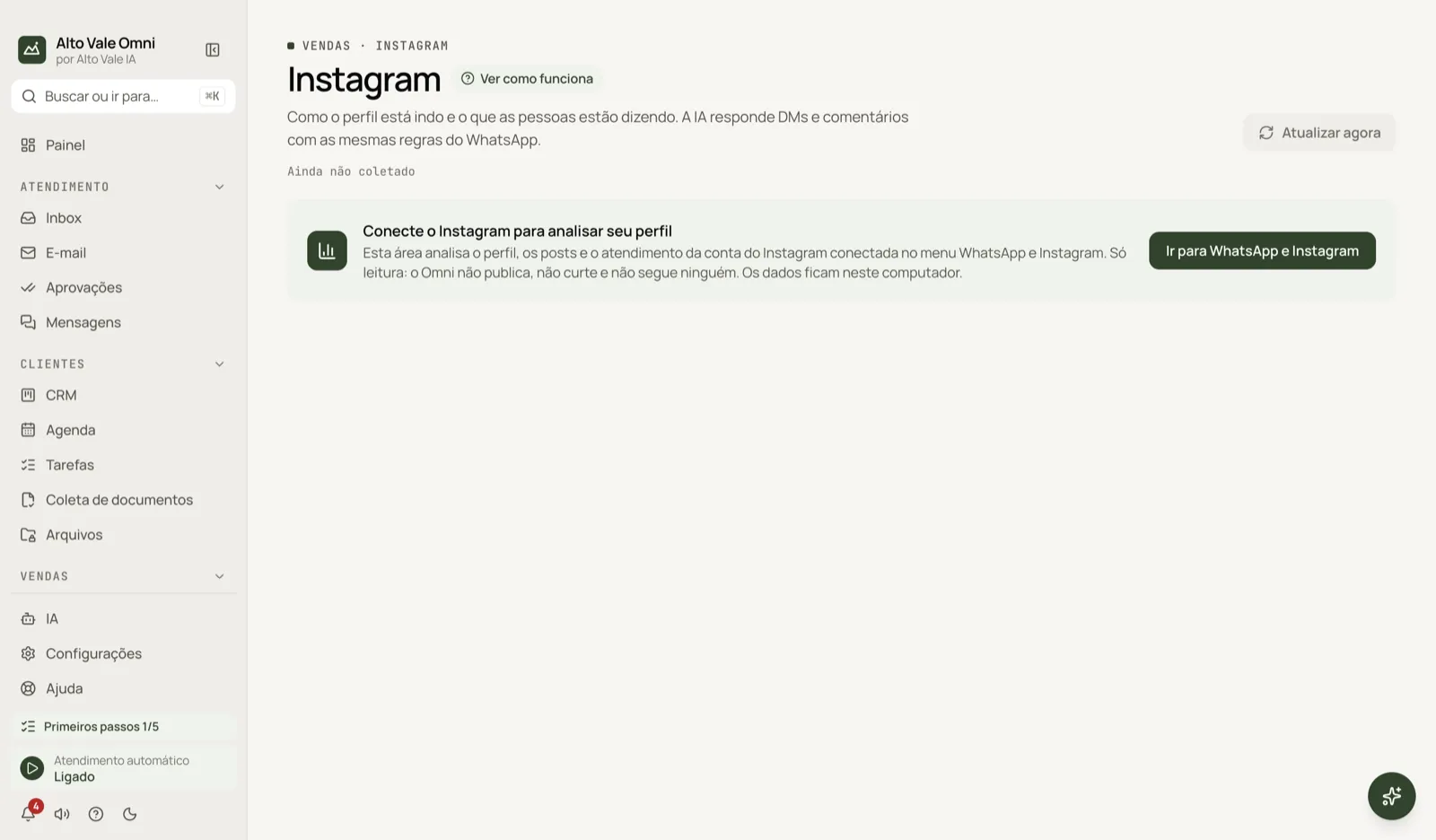
- Open Sales › Instagram. If the connection notice appears, click Go to WhatsApp and Instagram and sign in.
- Come back and click Refresh now for the first read of the profile and posts.
- Go through the tabs: Overview, Content, Audience and growth, Direct support, Full report and Comments.
- Follow the report's action plan and create rules in the Comments tab.
All actions on the screen
Refresh now
Reads the profile and posts again (read-only). There is a wait between reads. Example: after Marina Souza posts about teeth whitening, she refreshes to see its first numbers.
Overview
Shows the profile health score, the checklist (photo, bio, link, professional account, highlights) and the main numbers: followers, average engagement and posts per week. Example: "The bio has no call to action — end it with 'Book through the link'".
Content
Format mix, captions, hashtags, and the best and worst posts. Example: Reels about cleanings (R$ 150) perform better than photos.
Audience and growth
Follower curve, weekly net change and an estimate for 30 and 90 days if the pace continues. Needs at least 7 days of history.
Direct support
New conversations, first-response time, unanswered conversations, the share answered by the AI and the busiest hours. Example: Fernanda Costa wrote in the evening and is still waiting.
Full report and Export report (.md)
Overall score by pillar, strengths, points of attention and an action plan (this week and this month). Export report (.md) saves a file to show your team.
Go deeper with AI
Optional: sends the AI you turned on aggregate numbers, the bio and captions (personal data masked) and returns a more detailed reading. Generate again redoes it.
Comments › New rule
Creates a rule: keyword or any comment, on all posts or only chosen ones, replying on the comment and/or messaging the person on Direct. Example: anyone who comments "quero" on the whitening post (R$ 890) gets the booking link on Direct.
Comments › Check now
Looks for new comments right away, without waiting for the configured interval.
Comments › Turn on, Turn off, Edit and Delete
Each rule has its own switch. Reply to comments automatically turns everything on or off, and you can pick how many minutes between checks and the maximum replies per hour.
Comments › Test
Type a sample comment and see which rule would answer, without sending anything.
Comments › History
Lists what was answered, skipped or failed. Also show ignored ones includes comments that no rule matched.
Shortcuts
- ⌘K opens the command palette; F1 opens Help.
Common problems
The screen only shows the connection notice. Instagram is not connected, or was disconnected. Reconnect under WhatsApp and Instagram.
Growth and best time do not appear. There is not enough history: you need a few days of collection and at least 6 posts with numbers.
Comment replies stop. Check that Instagram is connected and the rule is On. Replies use the Instagram page open in the app, so they go slowly on purpose.
See also
Screen in the app: /instagram · In the app, press F1 on this screen to open this guide.
Still have a question?
Talk to the Alto Vale IA team on WhatsApp. Tell us the app, the screen and what happened.