Read your inbox and reply from your own email, with the AI suggesting drafts that only go out when you click.
What it is for
Reads your inbox and replies from your own account, without leaving the app. Each email is linked to the contact by address. The AI only suggests drafts; the email goes out when you click Send.
Before you start
- An email account (Gmail, iCloud, Yahoo, Zoho, Outlook or any other with IMAP and SMTP).
- Gmail, iCloud, Yahoo and Zoho require an app password. Outlook/Hotmail requires registering an app with Microsoft (use another provider if you prefer).
Step by step
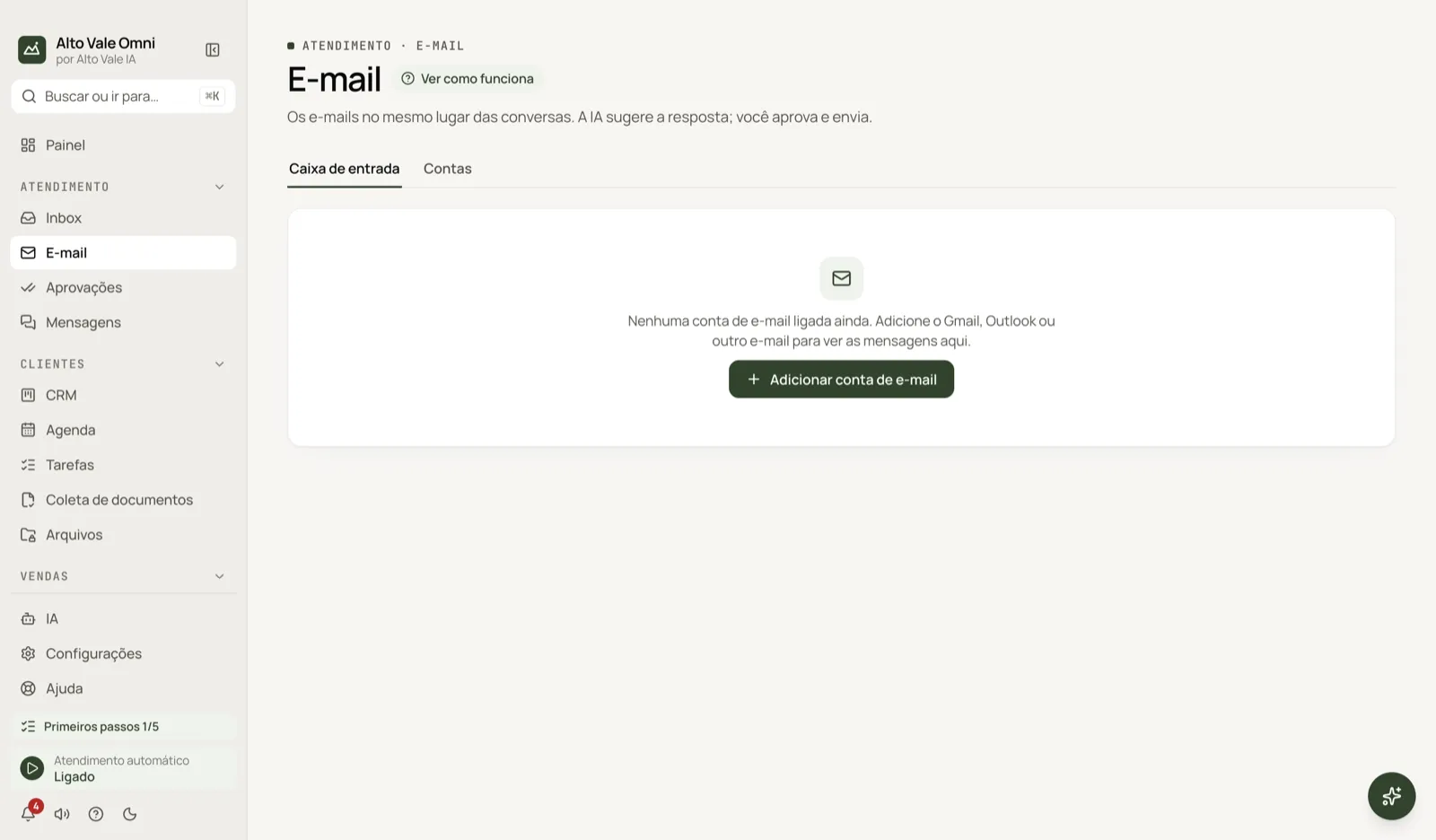
- In Email, click Add email account.
- Choose the Provider, type the address (e.g. atendimento@bemviver.example) and the password.
- Click Test connection: Reading (IMAP) and Sending (SMTP) should turn green. Then Save.
- In the Inbox tab, open an email and click Reply.
All the actions on the screen
Inbox and Accounts tabs
Inbox shows the emails; Accounts manages the accounts.
Add account
Example: the clinic's Gmail, with the 16-letter app password created in the Google Account (it needs 2-Step Verification). Show servers (advanced) is for other providers.
Test connection
Checks reading and sending before saving. "Password rejected" means the app password is wrong.
Sync now
On the account, fetches emails right away. The last 30 days come in the first time; after that they arrive in real time.
Edit and Remove
Remove deletes the downloaded emails from here; your mailbox at the provider does not change.
Search emails
Searches sender, subject and text. The Unread filter and the Mailbox (Received or Sent) help narrow it down.
Compose
Opens the editor with From, To, Subject and Send. Example: sending the whitening quote (R$ 890) to Fernanda Costa.
Reply and Suggest a reply with AI
The AI writes a draft; you review it and click Send. Discard deletes the draft.
Link to a contact
When the sender matches nobody, search for the contact (e.g. Roberto Alves) and link. The email shows up in the contact's tab.
Instruction warning
An email with text that looks like an order to the AI is treated as third-party content and is not obeyed.
Shortcuts
- This screen has no shortcuts of its own: email only goes out through the Send button. ⌘K searches screens.
Common problems
Password rejected. Create a new app password; do not use your regular Gmail password.
Outlook will not connect. Microsoft requires browser sign-in with an app you register yourself.
The email shows no images. On purpose: for safety, everything is shown as plain text.
See also
Screen in the app: /email · In the app, press F1 on this screen to open this guide.
Still have a question?
Talk to the Alto Vale IA team on WhatsApp. Tell us the app, the screen and what happened.