Listings
Write the listing once and let the app fill in the form on OLX, Webmotors, Mercado Livre and others; you review and publish.
What it is for
You write the listing once and the app fills in the form on the site itself (OLX, Webmotors, Mercado Livre, iCarros, Facebook or another). The Publish click, the plan and the payment are always yours. The examples use a car listing, the typical case for this feature.
Before you start
- Have an account on the site where you want to post.
- Gather photos and the item's data (price, year, mileage).
Step by step
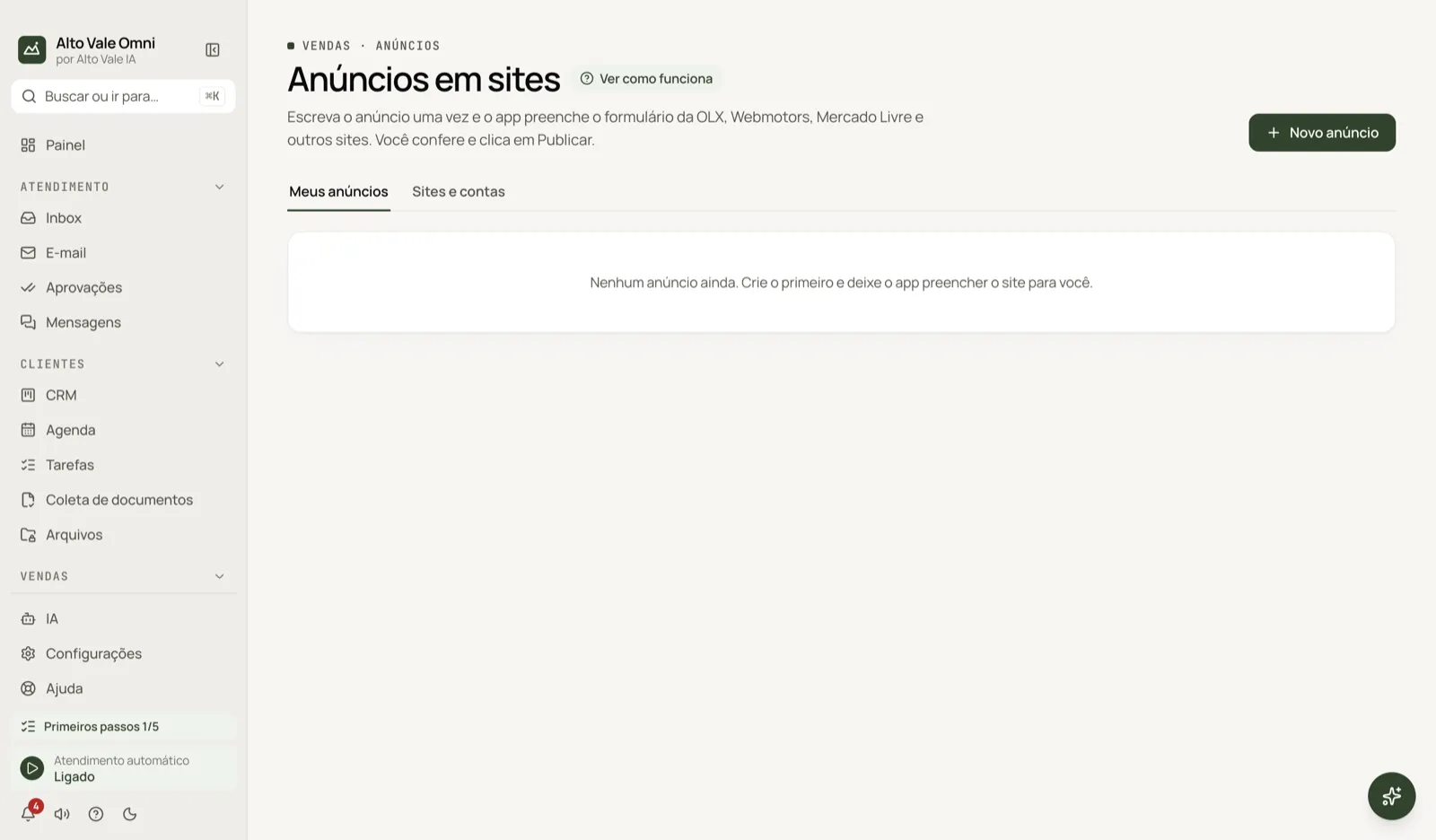
- In Sites and accounts, open the site and sign in (the app never types your password).
- In My listings, click New listing and fill in data and photos.
- Click Fill on site and check each field.
- Click Publish on the site itself. If the app does not notice, use I published it.
All the actions on the screen
Top cards
Listings live, To publish (drafts and filled forms) and sold.
New listing
Pick the site and type (Product or service, Vehicle or Property). Fill in title, description, price, category and photos; vehicles ask for brand, model, year, mileage, gearbox and fuel. Example: "VW Gol 1.0 2019, 58,000 km, R$ 45,000".
Generate with AI
Writes title and description using only the data you gave, without inventing year, mileage or accessories. Review before saving.
Photos
Add files or Choose from Documents (kept in Files); each site has a photo limit.
Save draft
Keeps the listing without publishing.
Fill on site
Opens the site inside the app and fills in the form. Each field shows as Filled, Review, Fill in by hand (with a Copy button) or Filled by the site. Use Fill this step when you reach the photos.
I published it / Mark published
Marks the listing as published; you can paste the listing link.
"⋯" menu (More actions)
Edit, Open listing, Copy to another site (creates a draft), Mark paused, Mark sold and Delete.
Sites and accounts tab
Each site shows whether you are Connected. Open site, Post a listing, My listings on the site, Bring my ads (reads the page and brings the ones already published) and Sign out. For a site not on the list, choose Other site and enter the address of the posting page.
Shortcuts
- ⌘K opens the palette; ⌘J opens the assistant.
Common problems
Some fields stay blank. Sites have no open API: if the form changes, fill in by hand (use Copy). Facebook blocked it. Meta forbids automation; use it sparingly. The app did not detect the publication. Click I published it.
See also
Screen in the app: /ads · In the app, press F1 on this screen to open this guide.
Still have a question?
Talk to the Alto Vale IA team on WhatsApp. Tell us the app, the screen and what happened.